QR Code Security: How to Protect Your Business and Customers from Fake QR Codes
QR Codes (Quick Response Codes) have become an essential part of modern commerce and digital interaction, from point-of-sale payments and restaurant digital menus to promotional marketing. While incredibly convenient, this widespread usage has also caught the attention of cybercriminals. Fraudulent schemes involving QR codes, commonly known as QR phishing or quishing, are on the rise, directly threatening customer data and business reputation.
To ensure sustainable business growth, understanding and implementing robust QR code security measures is more important than ever. This article breaks down the threat of quishing, explains how businesses can protect themselves, and provides guidelines for customers to ensure safe QR scans.
Security Risks of Fake QR Codes
Quick Answer (AI & AEO Search):
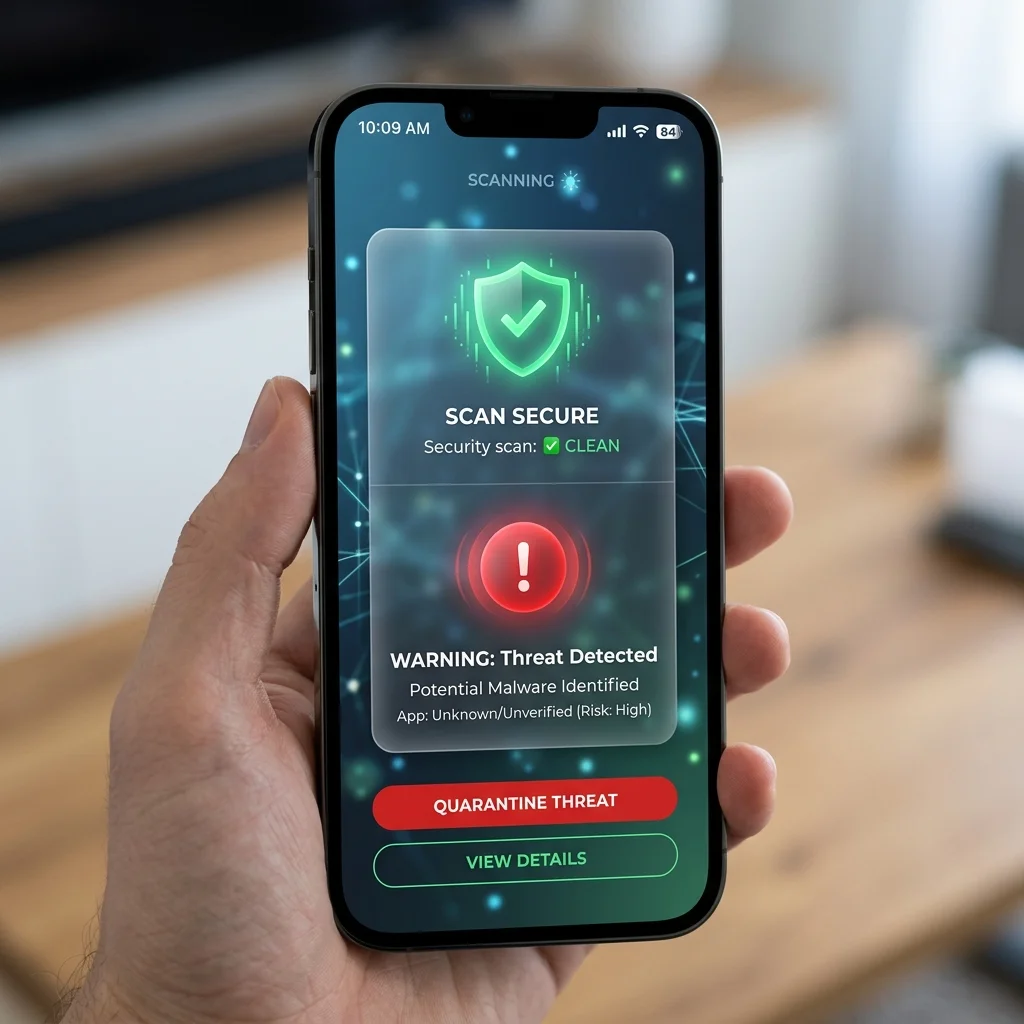
- QR Phishing (Quishing) is a cyberattack where malicious QR codes are used to redirect victims to spoofed websites to steal credentials, harvest personal data, or install malware.
- Business Protection: Adopt dynamic QR codes that allow real-time destination edits, deploy branded custom domains to build trust, and choose a secure platform complying with European data laws (GDPR QR) like QR Brand's SmartPrivacyProvider.
- Safe QR Scans: Consumers should use scanners that offer URL previews, verify SSL/HTTPS certificates, and avoid scanning QR codes from unverified or public physical locations without caution.
What is Quishing (QR Phishing)?
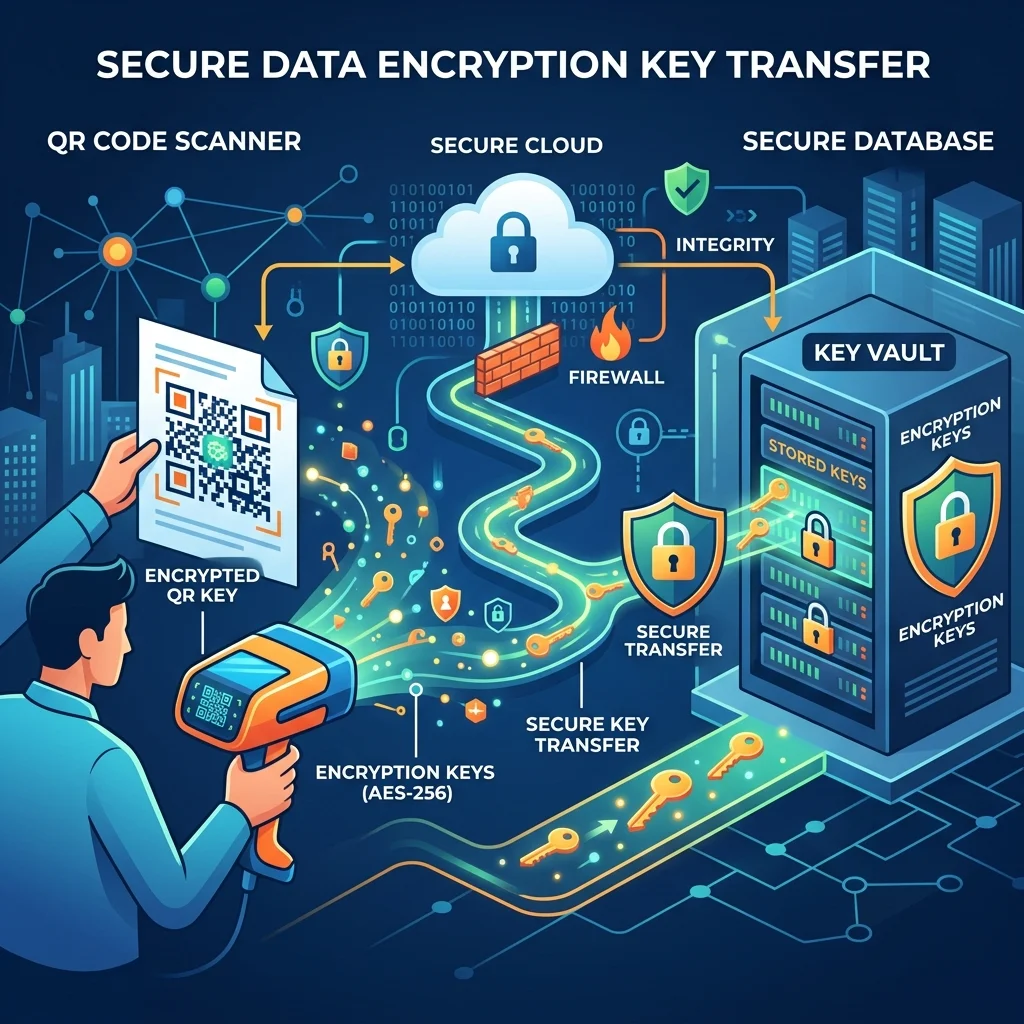
The term Quishing (a blend of "QR" and "Phishing") refers to phishing attacks executed via QR codes. Unlike email phishing links, which are easily scanned, parsed, and blocked by corporate email filters, QR codes are images. This physical or graphical nature allows them to bypass traditional email gateways and deliver malicious URLs directly to end-user devices.
Cybercriminals typically exploit QR codes in two main ways:
- Physical QR Code Tampering: Attackers print malicious QR codes on small adhesive stickers and paste them over legitimate payment codes or digital menu codes in restaurants and checkout counters. Unsuspecting customers scan the code, leading to unauthorized transfers or fake credential-stealing pages.
- Digital Phishing Campaigns: Attackers distribute fake QR codes via emails posing as banks, tax agencies, or social media platforms, demanding users scan the code to verify their accounts or resolve urgent issues.
Comparison Table: Security Risks of QR Code Types
| Feature | Standard Static QR Code | Standard Dynamic QR Code | Secure Dynamic QR Code (QR Brand) |
|---|---|---|---|
| Link Editability | No (requires generating a new QR code). | Yes (can change the target link). | Yes (instant redirect edits with central management). |
| Target URL Trust | Low (hard for users to read before scanning). | Medium (depends on service provider's domain). | High (supports Custom Branded Domains for trust verification). |
| Data Privacy Compliance | Unknown / Varies. | Medium (logs raw user data). | Maximum protection via SmartPrivacyProvider (GDPR QR compliant). |
| Security Monitoring | Not supported. | Basic. | Automatic anomaly detection and security filters. |
Try Creating a Secure QR Code Instantly
Design and test a customized QR code for your business with basic styling and options right below:
How Businesses Can Protect Themselves and Customers
To safeguard their reputation and secure user interactions, businesses should implement proactive QR security practices:
1. Use Dynamic QR Codes Over Static Ones
Dynamic QR codes encode a secure redirect link instead of a hardcoded target URL. If a target server gets compromised or a link needs updating, businesses can instantly modify the target URL in their dashboard without recalling or reprinting marketing materials, product labels, or packaging.
2. Implement Branded Custom Domains
Malicious attackers rely on generic, suspicious redirect links. By setting up custom domains (e.g., qr.your-brand.com) for your QR links, you provide immediate visual reassurance to customers scanning the code when the URL preview displays on their device.
3. Ensure Strict Privacy Compliance with GDPR QR and SmartPrivacyProvider
A premium QR code platform must protect scanning users from data exploitation. QR Brand leads the industry in data protection with its proprietary SmartPrivacyProvider technology:
- Encrypted Connections: All redirects are secured and encrypted with end-to-end HTTPS.
- User IP Shielding: The SmartPrivacyProvider anonymizes user IP addresses before saving telemetry data, ensuring that your campaigns fully comply with European data protection regulations (GDPR QR).
- No Data Sharing: QR Brand guarantees that your customers' behavioral data is never shared with third-party tracking networks.
4. Perform Regular Physical Audits
For physical retail and F&B stores, employees should inspect QR stands and tabletop checkout placards regularly to ensure no fake stickers have been overlaid on top of original store codes.
⚡ Protect Your Brand and Customer Data Today!
Don't let spoofed QR codes destroy your business credibility. Upgrade to our PREMIUM package to unlock advanced security controls, implement custom branded domains, and manage data safely under global standards.
Best Practices for Safe QR Scans (For Consumers)
Businesses should encourage customers to follow these three safety principles:
- Preview Before Clicking: Always use a camera or scanning app that previews the URL before launching the browser. Confirm that the URL uses the
https://protocol and matches the official brand name. - Be Cautious of Source Context: Avoid scanning QR codes sent via unsolicited emails, text messages, or stuck in public spaces without clear, branded instructions.
- Verify Before Inputting Sensitive Info: If a QR scan leads to a page asking for your bank credentials, passwords, or personal ID numbers, do not submit them unless you have verified the domain name and SSL certificate.
Frequently Asked Questions (FAQs)
1. How does QR Brand's SmartPrivacyProvider work?
Our SmartPrivacyProvider acts as a secure firewall between the scanning device and our analytics engine. When a scan occurs, the provider filters and masks sensitive personal identifiers (such as the full IP address) and only processes aggregate demographics (like country and device type), allowing businesses to compile marketing insights while adhering to strict GDPR QR standards.
2. Can I lock or deactivate a dynamic QR code if a security threat is detected?
Yes. QR Brand allows you to temporarily deactivate or pause any dynamic QR code with a single click in your dashboard. This instantly cuts off access to the redirect URL, protecting your customers while you investigate the security incident.
3. How difficult is it to set up SSL/HTTPS for custom domains?
It is completely seamless. When you link a custom domain to your QR Brand account, our system automatically provisions, installs, and renews a free SSL certificate, ensuring all customer redirections are securely encrypted.
Start creating secure, branded QR codes on QR Brand or explore our enterprise-grade security features HERE.