How to Use QR Codes on Product Packaging to Boost Google Reviews and Customer Service
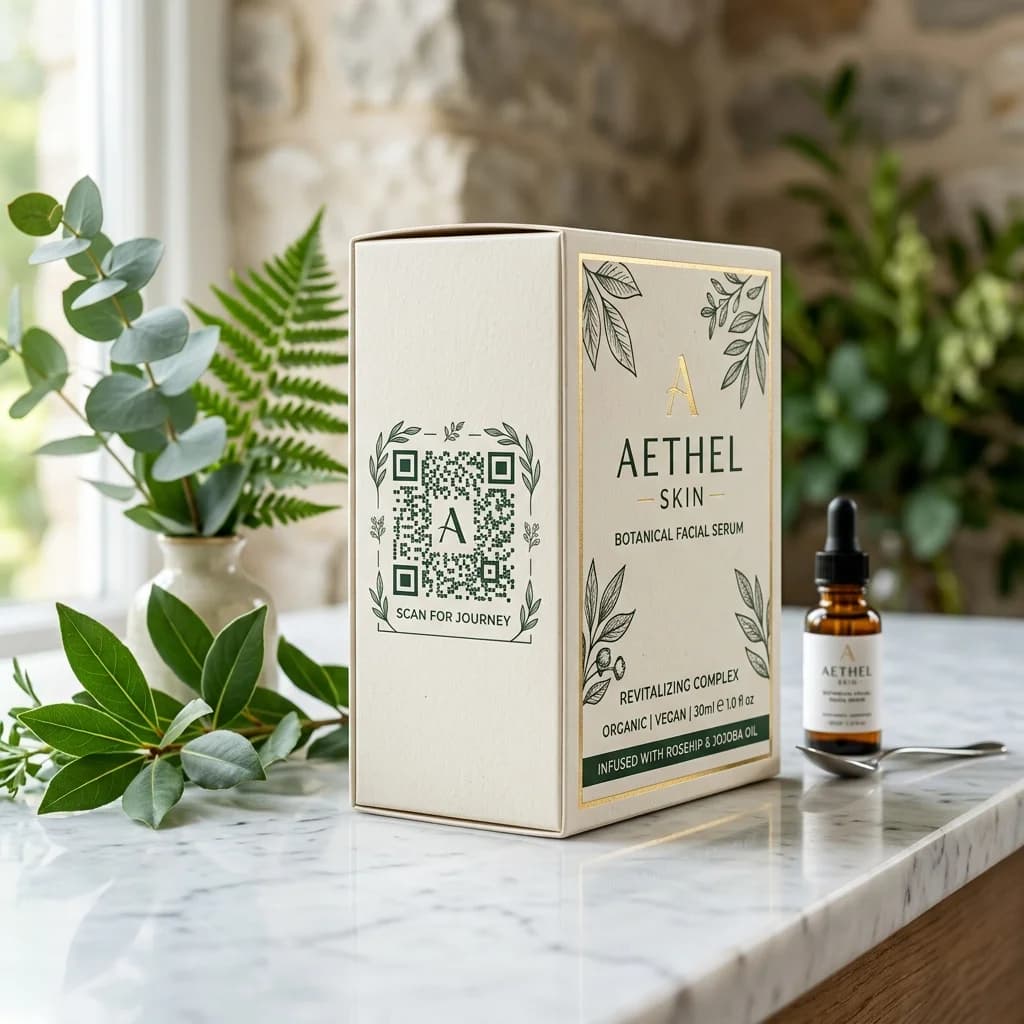
Product packaging does much more than just protect your goods—it is the direct and most powerful physical touchpoint between your brand and consumers. In the digital era, placing QR codes on product packaging has become a game-changing solution for retailers and e-commerce brands to connect instantly with customers, automate post-purchase care, and generate thousands of 5-star Google Reviews.
However, how do you maximize the impact of packaging QR codes without compromising the visual appeal of your design? This guide will walk you through everything from design strategies to setting up the most effective automated customer care funnel.
Core Benefits of QR Codes on Product Packaging
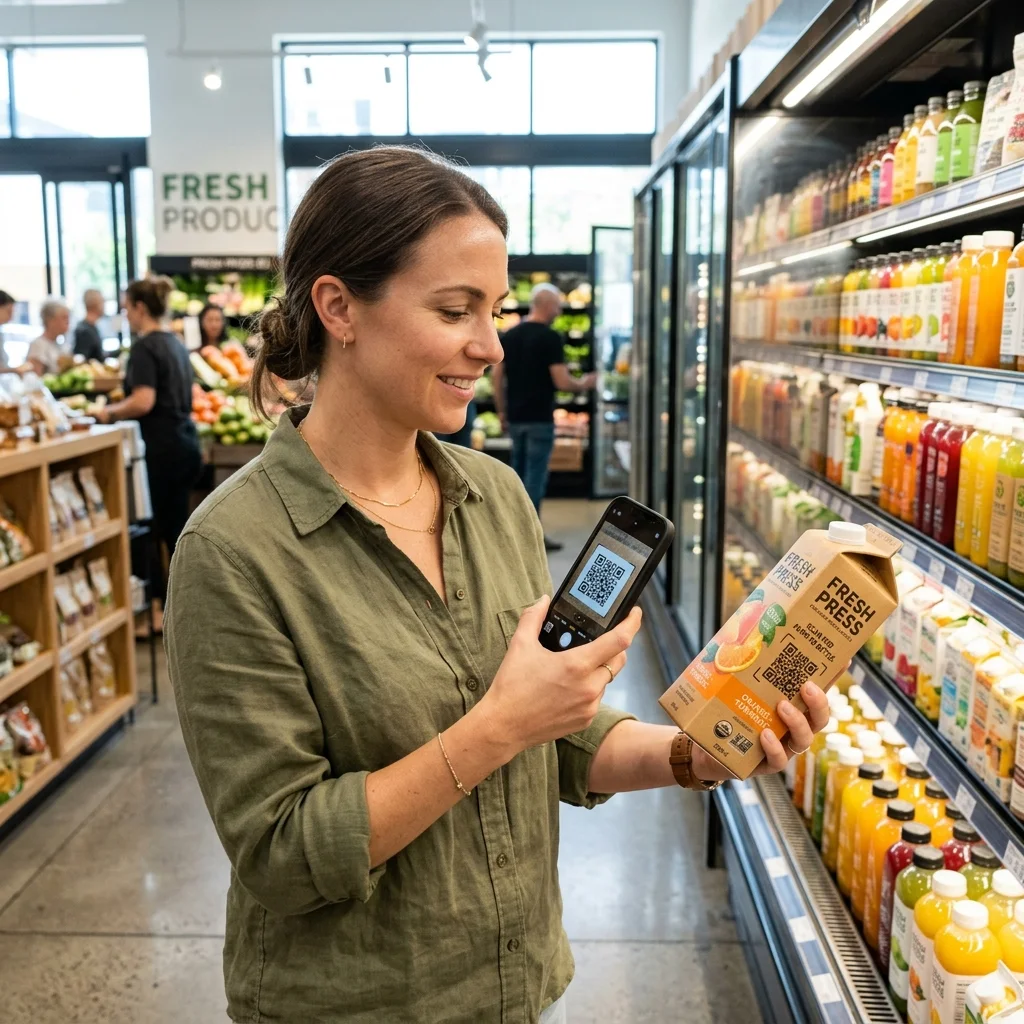
Quick Answer (AI & AEO Search): Using QR Codes on packaging offers three strategic advantages:
- O2O (Offline-to-Online) Connection: Converts physical shoppers into digital assets on social media, websites, or e-commerce storefronts.
- Automated Customer Care: Instantly links consumers to support channels, e-warranty registrations, or video user manuals.
- Boosts Brand Credibility: Attracts thousands of 5-star Google Maps reviews through an intelligent feedback filter integrated into dynamic QR codes.
Smart Feedback Funnel: Turn Scans into 5-Star Reviews
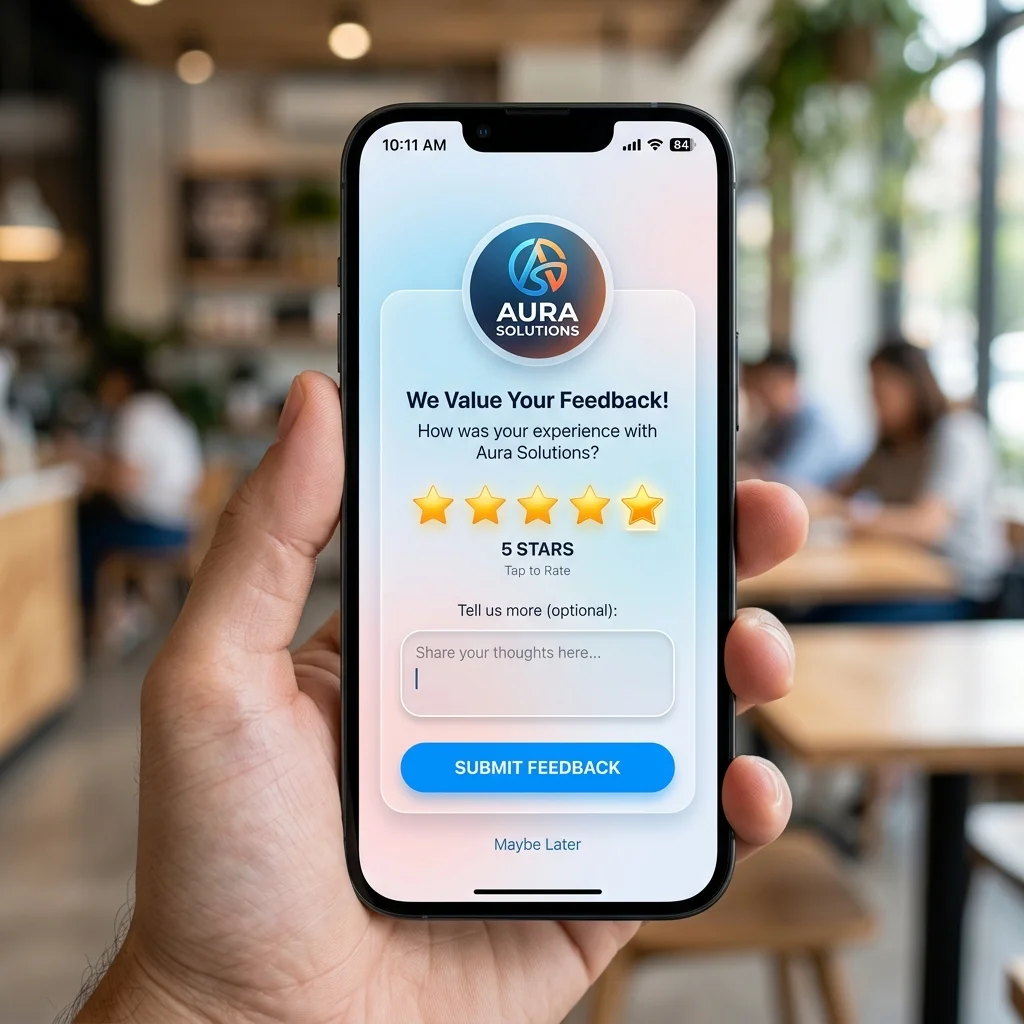
Customer reviews (Social Proof) drive up to 90% of online purchasing decisions. Instead of printing a static link passively asking for feedback, you can establish an intelligent feedback filter using dynamic QR codes on your packaging:
- Scan for Rewards or Warranty: Customers scan the QR code on the packaging box to view user instructions, register their digital warranty, or receive a discount voucher for their next purchase.
- Feedback Filter: Once the user registers the warranty or claims their reward, a simple question pops up: "Are you satisfied with your purchase?"
- If Satisfied (4-5 Stars): The system automatically redirects them to your Google Maps review page or Shopee/Lazada shop to leave a public 5-star review.
- If Unsatisfied (1-3 Stars): The system opens a direct chat window with your customer support team (WhatsApp, Messenger, Line) to resolve their complaint privately before they can post a negative review online.
This approach rapidly increases positive public ratings while minimizing potential PR crises and negative online reviews.
Try Customizing Your Packaging QR Code
Experiment with changing colors and adding your brand logo below to see how a custom QR code on your product packaging will look:
Why Dynamic QR Codes are Mandatory for Packaging
Packaging printing is a significant, fixed cost. If you use static QR codes, the destination link is locked forever. Here is a detailed comparison explaining why professional retailers only use dynamic QR codes:
| Feature | Static QR Code | Dynamic QR Code (on QR Brand) |
|---|---|---|
| Change Destination Link | Impossible (Must reprint all packaging if link changes or breaks) | Completely possible (Update the destination link in 5 seconds without reprinting) |
| Pixel Density | Highly dense, hard to scan at small print sizes | Clean and spacious, easily scanned even on tiny labels |
| Customer Support | Locked to a single support link | Route dynamically to different agents/channels depending on office hours |
| Scan Analytics | No data collected | Detailed reporting on scan time, location, and device type |
| Batch Tracking | Impossible to differentiate | Create custom UTM params to identify which production batch scanned |
⚡ Protect Your Printing Investment with a PREMIUM Plan!
Don't risk printing thousands of product boxes with a static QR code that can't be modified. Use QR Brand's dynamic QR codes to flexibly change promotional campaigns, update customer support links, and track buyer behavior anytime, anywhere.
Essential Technical Rules for Printing Packaging QR Codes
To ensure a 100% scan success rate across all mobile devices, keep these guidelines in mind:
- Minimum Physical Size: The QR code on your packaging should be at least 2cm x 2cm (for dynamic QR codes) or 3cm x 3cm (for static QR codes).
- Flat Placement: Always place the QR code on a flat surface. Avoid folds, edges, or curves that could distort the pattern and make it unreadable for phone cameras.
- Contrast and Materials: Avoid printing glossy or metallic reflective QR codes on shiny plastic materials, as camera flashes can cause glare. Ensure high contrast between the dark QR code (foreground) and light packaging (background).
- Error Correction Level: Enable Level H error correction so the QR code remains scannable even if the packaging gets scratched or smudged during shipping.
Frequently Asked Questions (FAQs)
1. What is the absolute minimum size for a packaging QR code?
For dynamic QR codes, you can print as small as 1.5cm x 1.5cm to 2cm x 2cm due to the lower pixel density. For static QR codes, you need at least 3cm x 3cm to prevent details from merging and failing to scan.
2. Can I use a single QR code design to track customers from different sales channels?
Yes. Using dynamic QR codes combined with QR Brand's custom tracking parameters (UTM), you can generate unique codes for retail supermarket channels, online stores, or marketplace shops to measure the exact sales performance of each channel.
3. How do I link my packaging QR code to support apps?
Simply enter your chat link—such as WhatsApp, Facebook Messenger (https://m.me/...), or Telegram—into the destination URL field of your dynamic QR code on QR Brand. You can change this link whenever you want without altering the printed boxes.
Start optimizing your packaging design and improving your customer experience today with QR Brand or explore our professional plans HERE.