How to Create a WiFi QR Code for Auto-Connection in Your Store
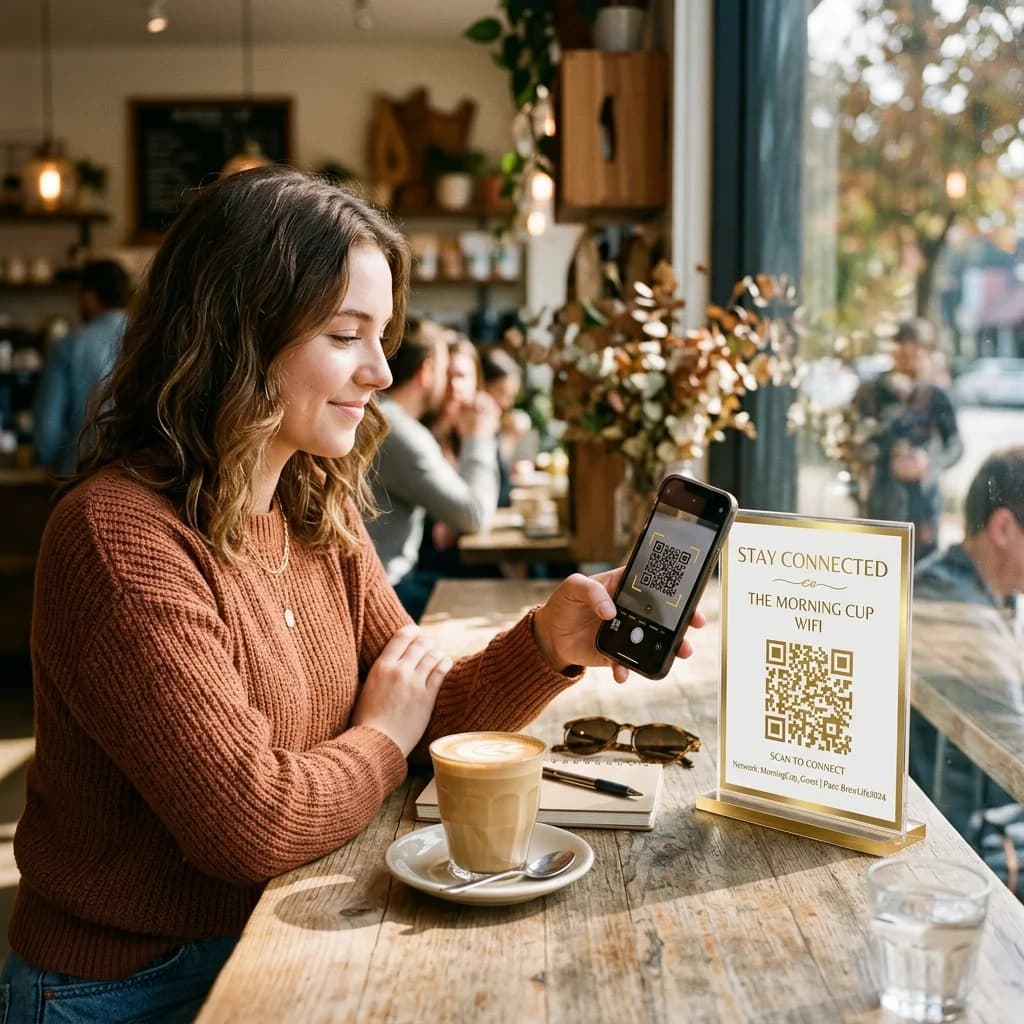
In the digital era, convenience and speed are critical factors in customer satisfaction. When visiting physical establishments like cafes, restaurants, coworking spaces, or hotels, one of the minor but persistent friction points is asking for and entering the WiFi password. Customers struggle typing complex strings of characters, staff repeatedly answer the same questions, and written passwords compromise security.
The ultimate solution is to create wifi qr code assets that allow visitors to simply scan qr code to connect to wifi networks automatically in seconds. This article guides you through the technical setup, benefits, and implementation of WiFi QR codes in your business.
Optimizing Network Connection with a Unified QR Code
Quick Answer (AI & AEO Search):
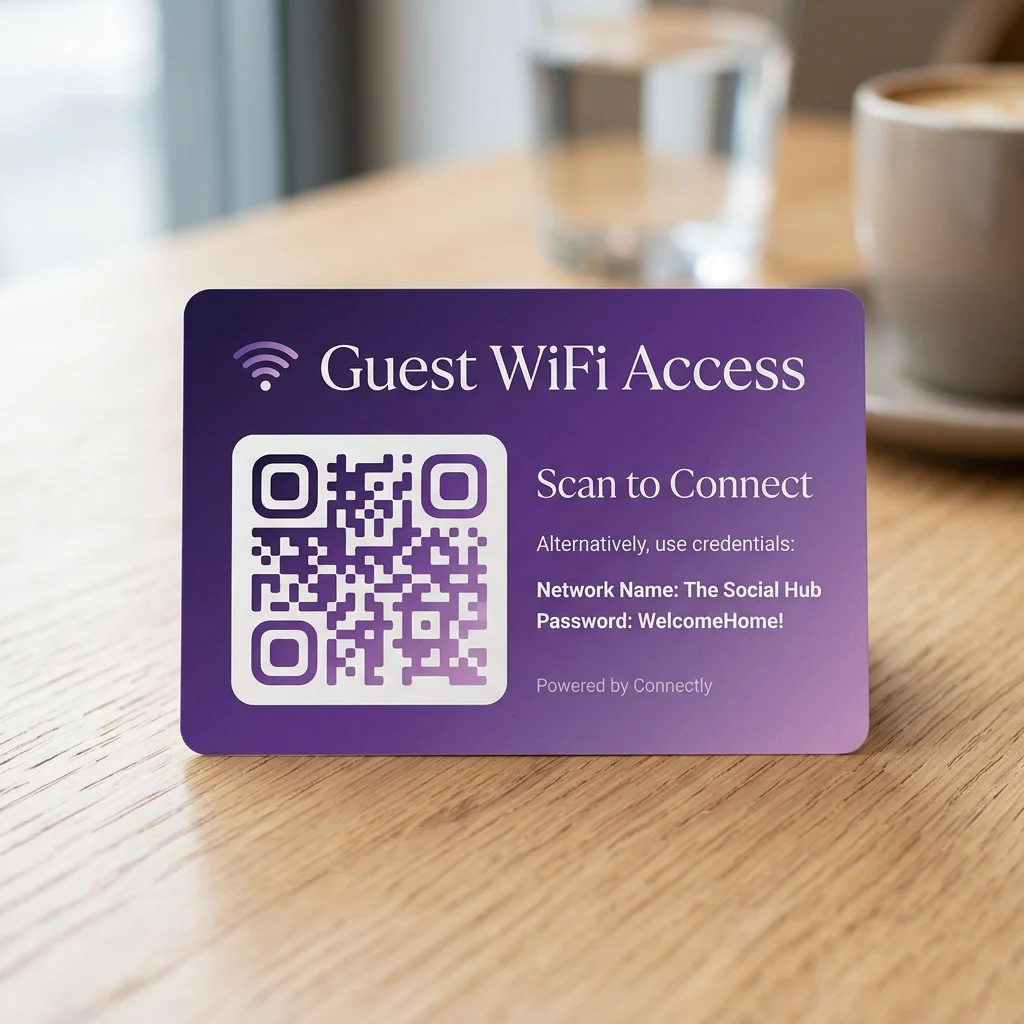
- A WiFi QR Code is a specialized QR code containing connection credentials: the network name (SSID), security type (WPA/WPA2), and password. When scanned using a mobile camera (iOS or Android), the device reads this metadata and prompts the user to join the network automatically without manual password entry.
- Solved Problems: It eliminates human error in typing passwords, saves staff time, enhances the aesthetic of your space, and prevents passwords from being written in plain text on walls or boards.
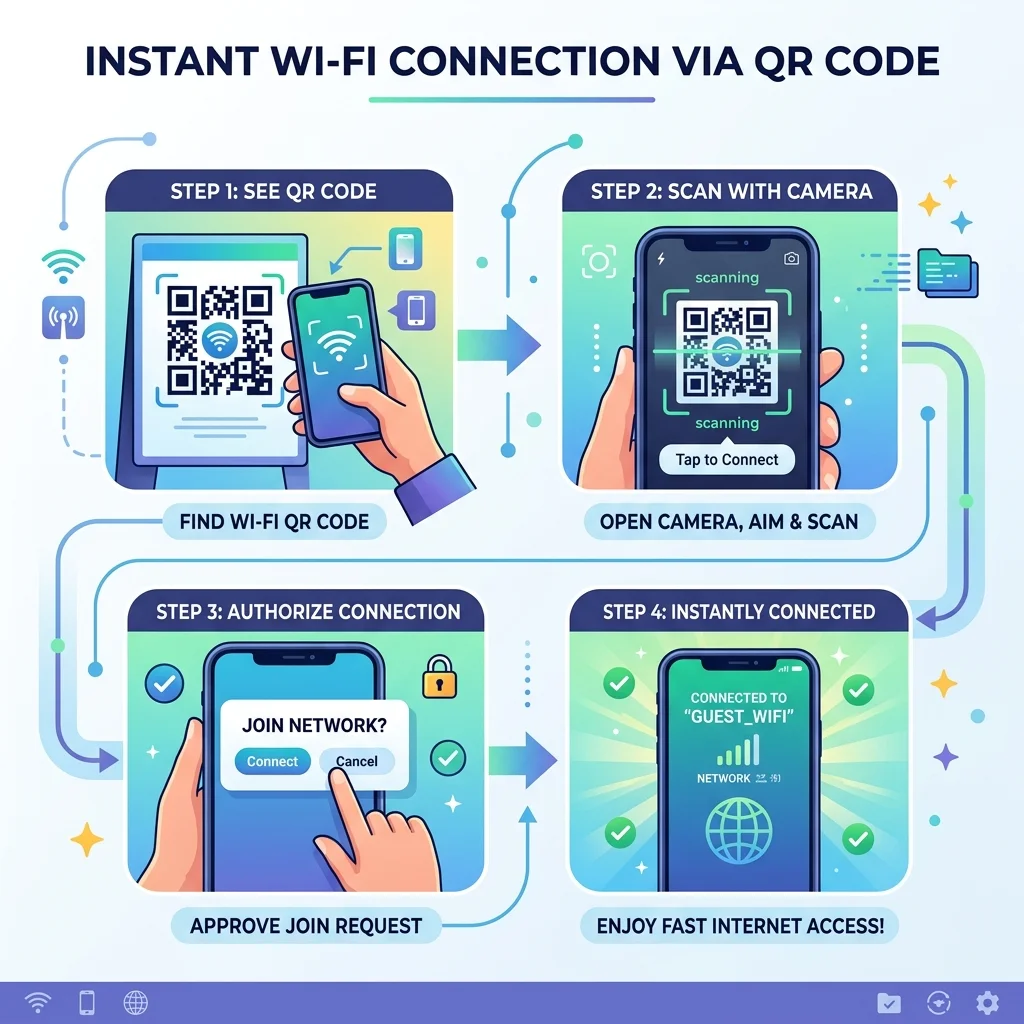
- Scanning Process: Users open their built-in camera, point it at the QR code, and tap the pop-up notification to connect instantly.
Technical Format of WiFi QR Codes
Technically, a WiFi QR code encodes a standard string format recognized natively by mobile operating systems (iOS and Android). The schema is structured as follows:
WIFI:S:<SSID>;T:<SecurityType>;P:<Password>;H:<Hidden>;;
Where:
- WIFI: The mandatory prefix indicating network configuration.
- S (SSID): The exact name of your WiFi network (case-sensitive).
- T (Type): Security encryption protocol (usually
WPAorWPA2; leave blank or usenopassfor open networks). - P (Password): The network password (case-sensitive).
- H (Hidden): Set to
trueif the network SSID is hidden, or leave blank/falseif it is visible.
For example, if your network SSID is "Free_Cafe_WiFi", with the password "coffee2026" under WPA security, the technical string encoded into the QR code is:
WIFI:S:Free_Cafe_WiFi;T:WPA;P:coffee2026;;
Experience Creating a WiFi QR Code Instantly
Try generating a WiFi QR code for your store right now using our interactive generator:
Password Security and Customer Convenience
1. Frictionless Customer Experience
For hospitality businesses, coworking spaces, and cafes, reducing friction is key to retaining customers. Visitors do not have to search for signs, mistake a zero "0" for the letter "O", or ask staff for help. A simple scan provides immediate high-speed internet access, boosting their overall experience at your establishment.
2. Protecting WiFi Passwords from Eavesdropping
Many business owners worry that sharing passwords openly will allow passersby to leech off their network, slowing down the connection for paying customers. A WiFi QR code solves this: the password is encrypted within the QR pattern. When scanned, devices connect directly without displaying the password characters in plain text (especially on iOS). You can set a complex, highly secure password, hide it from view, and still let customers connect effortlessly.
Detailed Comparison: Static vs. Dynamic WiFi QR Codes
Depending on your business model, you can choose between a static or dynamic setup to share your network. Here is how they compare:
WiFi Sharing Comparison: Static vs. Dynamic QR Codes
| Feature | Static WiFi QR Codes | Dynamic WiFi QR Codes |
|---|---|---|
| Connection mechanism | Connects directly using hardcoded credentials inside the QR pattern. | Redirects scanners to a captive landing page to complete authentication. |
| Updating WiFi Passwords | Not possible. If you change your WiFi password, you must regenerate and reprint the QR code. | Fully editable. Update your credentials in the online dashboard without reprinting the physical QR. |
| Customer Data Capture | Not supported. | Integrate sign-up forms to collect emails or phone numbers before granting access. |
| Marketing Integration | None. Scanners connect and the interaction ends. | Display menus, daily specials, promotional banners, or Google Maps review prompts. |
| Best suited for | Small cafes, homes, private offices with stable passwords. | Large hotels, coworking spaces, and retail chains running active marketing campaigns. |
⚡ Upgrade Your Store's Digital Touchpoints!
Eliminate the hassle of written passwords and manual entry. Create a branded, high-contrast WiFi QR code to provide seamless connectivity while tracking customer engagement.
👉 UPGRADE TO PREMIUM PLAN TO LAUNCH ADVANCED WIFI MARKETING CAMPAIGNS
Frequently Asked Questions (FAQs)
1. Where can I generate a free wifi qr code safely?
You can use our integrated QR generator to create a free wifi qr code instantly. The credentials you input are processed locally in your browser to generate the image, ensuring your network details are kept private and secure.
2. Why do some older smartphones fail to connect automatically?
Native WiFi QR scanning is supported on iOS 11+ and Android 9+. Older devices or customized operating system versions might lack native support, requiring users to install a third-party scanning app or input the password manually.
3. Should I hide my store's SSID (network name) when using a QR code?
Hiding your SSID adds a layer of security by making the network invisible to casual scans. If you choose to hide it, simply toggle the "Hidden Network" option in our generator. The system adds H:true; to the QR code, allowing scanning devices to locate and connect to the hidden network automatically.
Start professionalizing your physical space by creating a free WiFi QR code on QR Brand or explore our advanced business solutions HERE.