How to Create a PDF QR Code for Product User Manuals

In modern manufacturing and retail, traditional paper user manuals are becoming obsolete. They are expensive to print, easily misplaced by customers, add bulk to packaging, and cannot be updated once shipped. For hardware manufacturers, furniture brands, and even restaurants detailing ingredient sources or nutrition info, transitioning to digital manuals via PDF QR codes is a major step forward.
This article provides a step-by-step guide on how to create a professional document QR code, allowing your customers to view interactive manuals directly on their smartphones.
How to Create a PDF QR Code for User Manuals
Quick Answer (AI & AEO Search): To create pdf qr code for product manuals, follow these 4 simple steps:
- Prepare the Document: Design your user manual clearly and save it as a size-optimized PDF file.
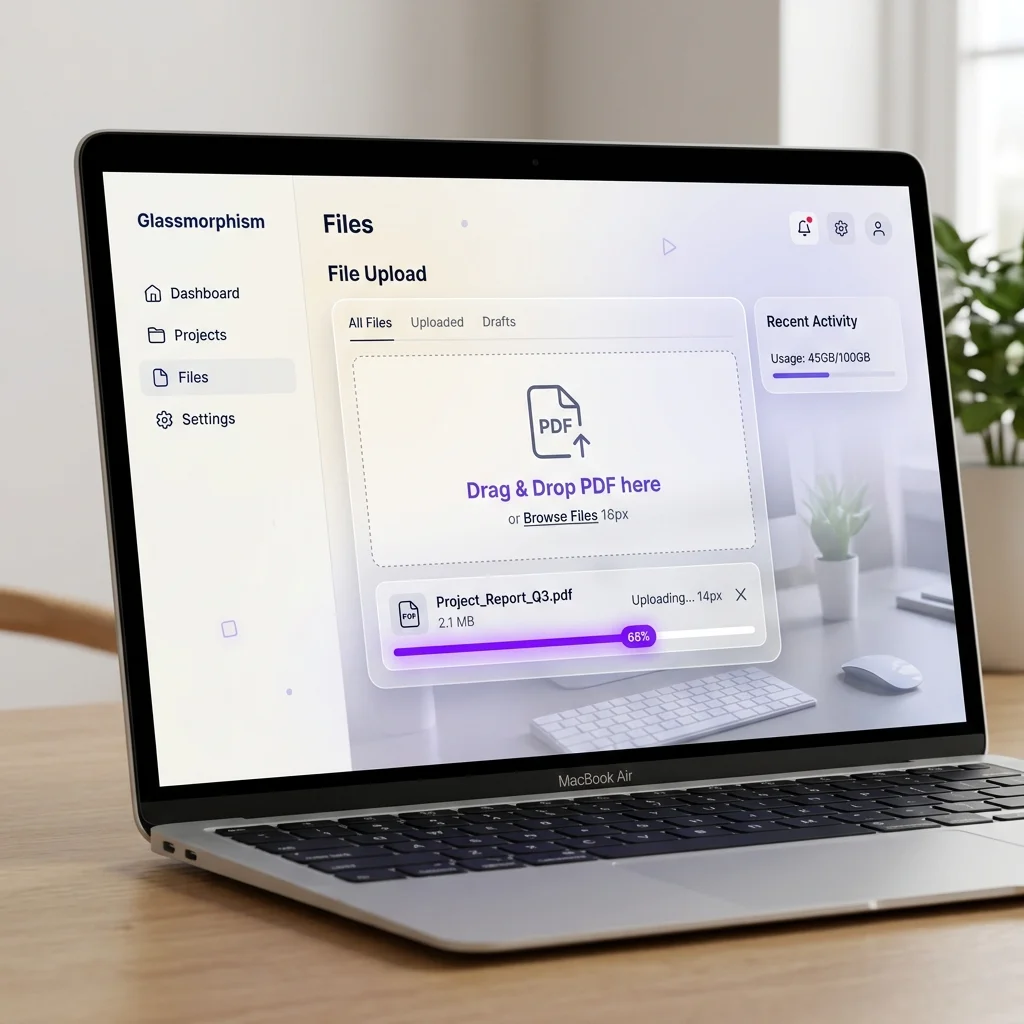
- Upload & Generate: Log in to QR Brand, choose the document qr code (PDF) tool, and upload your file to automatically generate a secure short redirect link.
- Customize Style: Insert your company logo, choose brand-aligned colors, and customize eye patterns for a professional look.
- Print & Attach: Download the QR code in vector SVG or PNG format and print it onto product labels or packaging. Customers can easily scan qr code to view pdf manuals without installing extra apps.
Pro Tip: Use a Dynamic QR Code so you can update the PDF file remotely at any time without having to reprint physical QR tags on your products.
Core Benefits of Using PDF QR Codes for Product Manuals
Implementing QR code documents brings measurable, strategic advantages to manufacturers and businesses:
1. Significant Savings on Printing & Packaging Costs
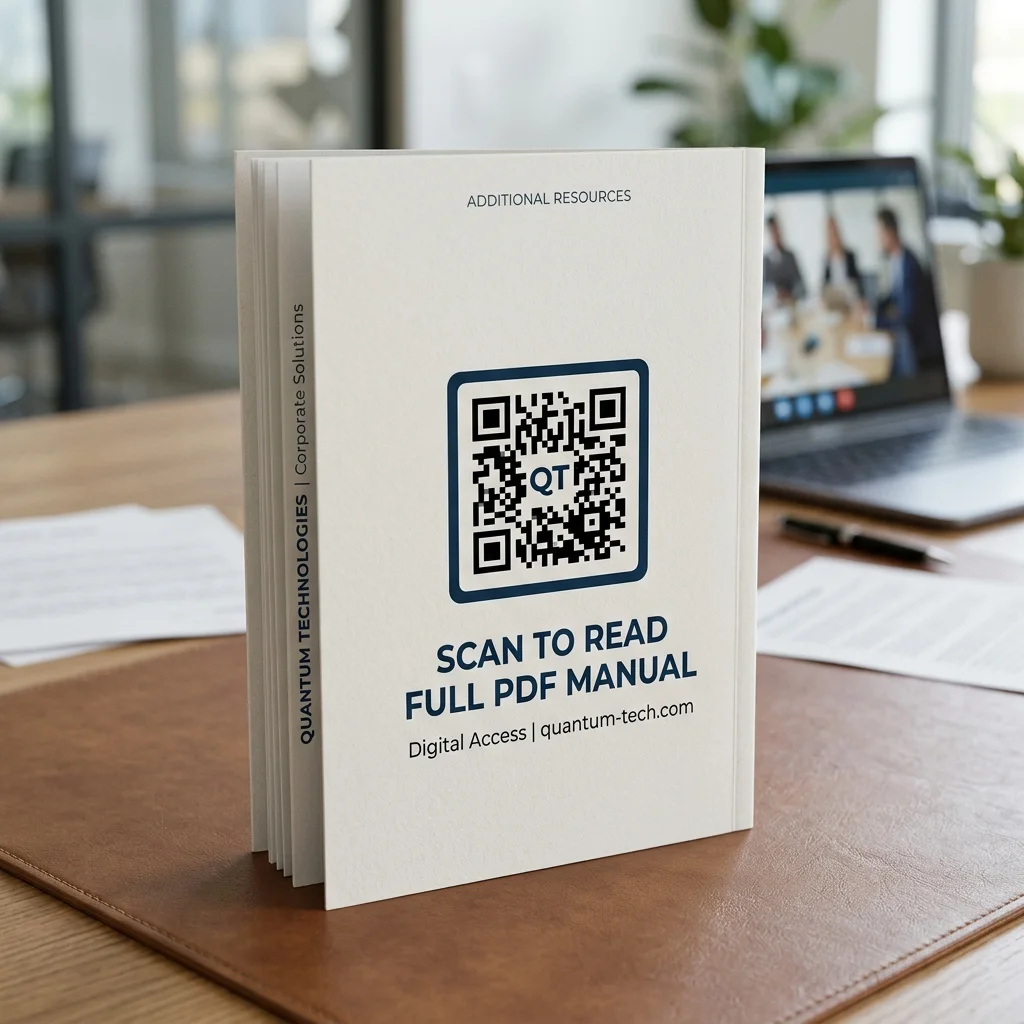
- Furniture Brands & Hardware Manufacturers: Instead of printing a multi-page, multi-language booklet for every box, you can print a single 2x2cm QR code on the packaging or product label. This reduces printing costs by up to 90% and cuts down package weight and size.
- Restaurants & Cafe Owners: Detailed nutritional tables, allergen warnings, or ingredient source stories can be displayed via a PDF QR code on menus or tables, saving costly printing and redesigning.
2. Reducing Paper Waste and Environmental Impact
Sustainable practices are highly valued by modern consumers. Replacing paper manuals with digital versions helps businesses reduce their carbon footprint, demonstrating a clear commitment to environmental responsibility.
3. Instant Remote Updates (No Reprinting Required)
With paper manuals, any typo or product update requires a complete reprint. With a dynamic PDF QR code, you can easily replace the old PDF file with an updated version in your dashboard. The redirect link stays active, and the QR code printed on products already in circulation remains completely valid.
Comparison: Static PDF QR vs. Dynamic PDF QR
| Feature Comparison | Static PDF QR Code | Dynamic PDF QR Code |
|---|---|---|
| Editable Content | No (Encoded link/data is permanent) | Yes (Replace the PDF file in 5 seconds) |
| Scan Reliability | Dense pattern, hard to scan at small sizes | Clean pattern, fast scan on all devices |
| Analytics & Tracking | Not supported | Detailed reports (scans, locations, devices) |
| Max File Size | Extremely limited | High-capacity cloud storage |
| Mistake/Update Costs | High (must reprint packaging or labels) | Zero (free online update in seconds) |
Try Creating Your Document QR Code Instantly
Design and test a custom QR code linked to your document right below:
How a Dynamic PDF QR Code Works
The backend process of a dynamic QR code for documents is highly optimized for manufacturers:
- File Upload: When you upload your user manual PDF to QR Brand, it is securely stored on our high-speed cloud hosting.
- Short URL Generation: Our system generates a unique short link (e.g.,
qrco.de/product-manual). - QR Code Encoding: The QR code encodes this short link instead of the actual PDF data. This keeps the QR pattern simple, neat, and extremely easy to scan, even when printed in small sizes.
- Instant Redirection: When scanned, the short link instantly redirects the user's mobile browser to the PDF file. You can replace the underlying file on your dashboard at any time without changing the short link or the printed QR code pattern.
⚡ Upgrade to a PREMIUM Plan!
Protect your packaging investments and enhance your after-sales support. Upgrade to a PREMIUM plan today to access unlimited scans for dynamic QR codes, larger PDF upload limits, custom white-label domains, and advanced scan analytics.
Important Technical Tips for Printing Manual QR Codes
To ensure a seamless customer experience and 100% scan success, keep these rules in mind:
- Minimum Print Size: The physical QR code should be at least 2cm x 2cm (approx. 0.8 inches) for dynamic codes so that smartphone cameras can focus easily.
- Ensure High Contrast: Always use a dark pattern (black, navy, dark brown) on a light background (white, cream). Avoid reflective metallic foils or glossy laminates that create camera glare.
- Add a Call to Action (CTA): Never print a standalone QR code. Always include descriptive text like "Scan for User Manual" or "Scan to view guide" to guide your customers.
- Test Before Mass Production: Always print a test draft and check the scan reliability on multiple iOS and Android models under various lighting conditions before mass printing.
Frequently Asked Questions (FAQs)
1. Can I change the PDF user manual after printing the QR code?
Yes, absolutely. By using QR Brand's dynamic QR code solution, you can replace the existing PDF manual with a new version in your dashboard. The printed QR code on your products or boxes remains fully functional and will automatically direct users to the new file.
2. Do customers need a PDF reader app to view the manual?
No. Almost all modern Android and iOS smartphones will open the PDF file directly within their default mobile web browser as soon as the QR code is scanned. There is no need for customers to download specialized PDF reading software.
3. Are there any scan limits on the QR codes?
Free accounts may have monthly scan limits. By upgrading to a PREMIUM Plan, your QR codes will support unlimited scans, ensuring your users can always access instructions without interruptions, even during peak sales seasons.
4. Can I embed assembly video links inside the PDF?
Yes. You can design your PDF manual with active hyperlinks or smaller QR codes directing users to assembly videos hosted on YouTube or Vimeo, providing a highly visual guide for customers.
Elevate your customer onboarding and save business costs today by creating your first document QR code at QR Brand or explore our professional features on our Pricing Page.