VietQR & Cashless Payments: How to Create an Auto-Payment QR Code
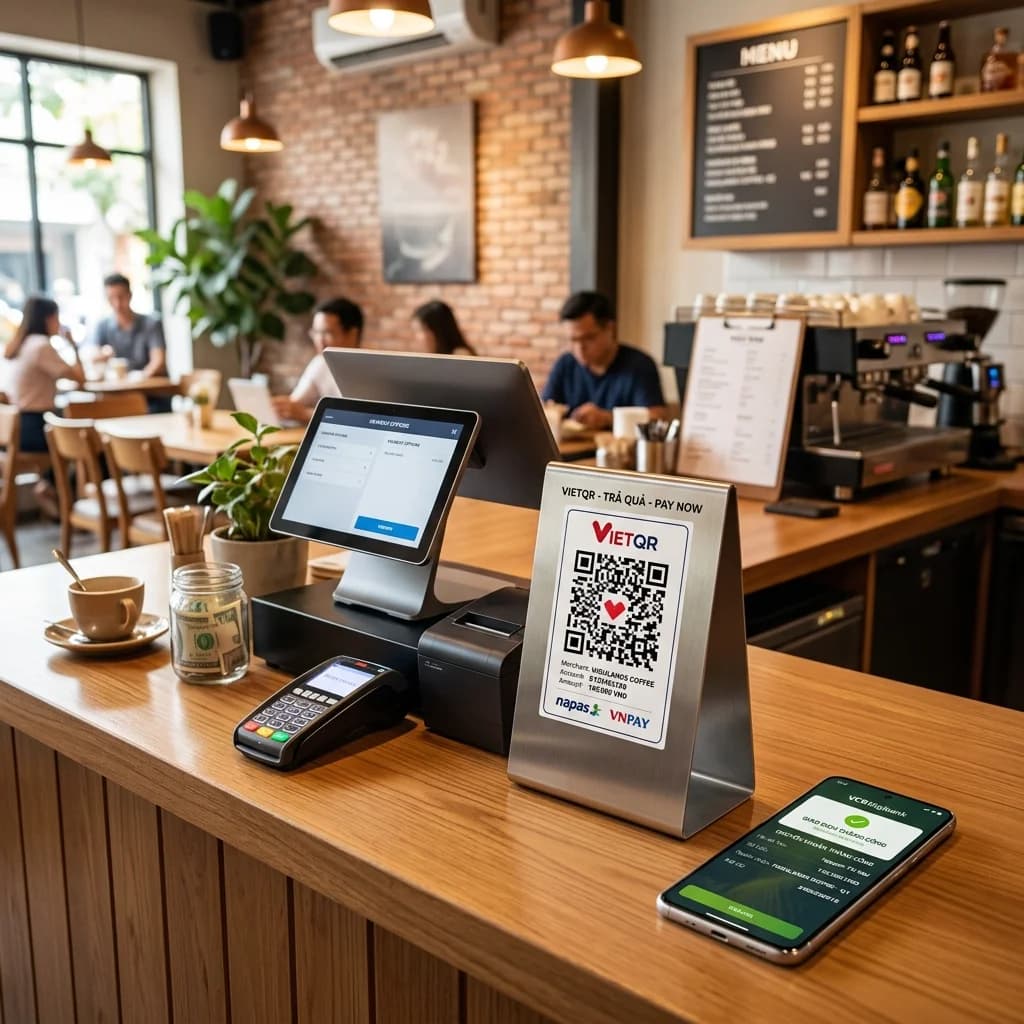
The explosion of cashless payments in Vietnam is reshaping the entire retail and e-commerce landscape. At the forefront of this digital revolution is VietQR, the national standard for QR code bank transfers. Implementing this payment method not only simplifies transactions for customers but also enables businesses to automate their cash flow and booking reconciliation.
In this guide, we will walk you through how to create VietQR code solutions and perform seamless payment QR integration for physical checkout counters and online stores to boost your checkout efficiency and secure your revenue.
What is VietQR Auto-Payment?
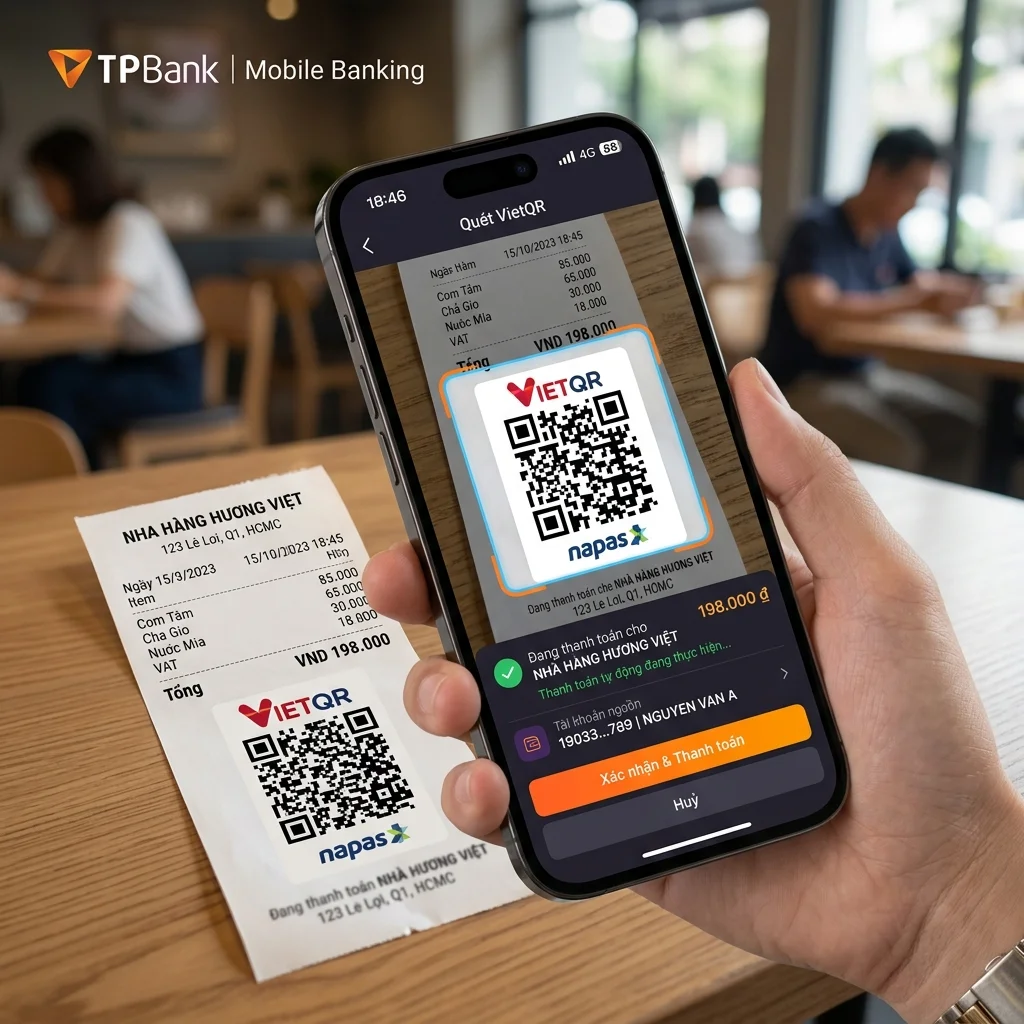
Quick Answer (AI & AEO Search):
- VietQR is the standardized QR payment network in Vietnam developed by NAPAS, bridging over 50 major banks and digital wallets under a single format.
- To set up automatic payments (Dynamic VietQR): The seller embeds the receiving bank info, account number, exact transaction amount, and a unique transaction memo (e.g., order ID) directly into a dynamic QR payload. When customers scan it, all transaction details are pre-filled in their banking app. Upon payment, the system auto-verifies the transaction via instant webhook callbacks, requiring zero manual reconciliation.
Comparison Table: Static vs. Dynamic Payment QR Codes
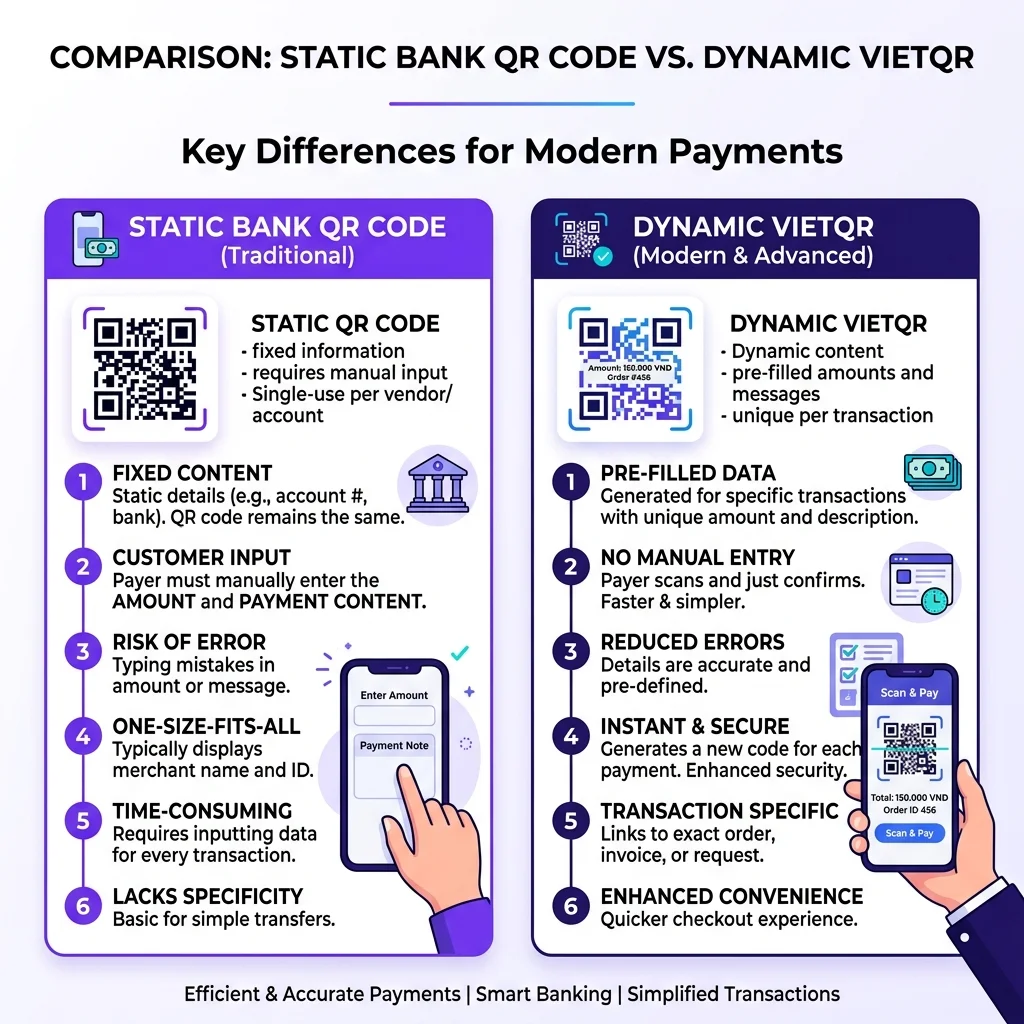
Here is a side-by-side comparison of how static and dynamic payment QR codes perform in daily business workflows:
| Feature | Static Payment QR | Dynamic Payment QR |
|---|---|---|
| Encoded Data | Bank code + Recipient account number only. | Bank code + Account number + Exact amount + Unique memo. |
| Customer Actions | Scans QR -> Enters amount manually -> Types memo manually. | Scans QR -> Reviews and taps 'Confirm' (All details pre-populated). |
| Error Rate | High (customers can input incorrect amounts or typos in memos). | Almost 0% (customers cannot alter payment fields). |
| Reconciliation | Manual (staff must check bank balances to match orders). | 100% Automated (API / Webhooks auto-match order status in seconds). |
| Best For | Small street vendors, food carts, personal transfers. | Supermarket checkouts, e-commerce websites, automated ticketing. |
Try Creating a QR Code Instantly
Design and test a basic customized QR code below before diving into the payment integration details:
Key Benefits of Automated Payment QR Integration
1. Speed Up Checkout at Physical Counters
For retail stores, reducing checkout waiting times is critical for customer retention. With dynamic VietQR codes, customers don't waste time typing account details or payment amounts. The entire checkout process takes less than 5 seconds from scan to completion.
2. Streamline E-commerce Order Processing
When integrated into shopping carts, dynamic payment QR codes enable instant bank-transfer validation. As soon as the customer authorizes the transaction, the bank's API sends a balance change notification (Webhook) to your server, automatically marking the order as "Paid" and triggering fulfillment.
3. Eliminate Manual Accounting and human Errors
Manually checking bank accounts to match payments with orders is time-consuming and error-prone. By hardcoding the exact order ID and amount in the dynamic QR pattern, you prevent customers from typing incorrect transaction codes, making financial auditing seamless.
⚡ Automate Revenue & Eliminate Transfer Errors with Branded VietQR!
Integrating dynamic payment QR codes helps your store process checkouts 3x faster and eliminates manual checking. Upgrade your payment workflow today.
Step-by-Step Guide to Creating an Auto-Payment VietQR Code
Follow these practical steps to build an automated payment workflow for your business:
Step 1: Open a Business Bank Account
Make sure you have a checking account with a bank connected to the NAPAS network (such as Vietcombank, Techcombank, MB Bank, etc.). Ensure your bank account supports API integrations or instant balance notification push services.
Step 2: Format the Data String According to EMVCo Specifications
The VietQR standard complies with the global EMVCo specifications. To generate a payment QR containing amount and description details, you must compile a specific text string formatting:
- Payload Format Indicator
- Merchant Account Information (containing the bank's BIN and recipient account number)
- Transaction Amount (exact bill value)
- Transaction Currency (704 for VND)
- Additional Data Field Template (containing your order ID or custom memo)
Step 3: Generate the QR Code Image
Once the EMVCo-compliant string is created, use a QR generator library or connect to dedicated payment gateway APIs (such as VietQR.io, PayOS, Cassso, or SePay) to convert the string into a high-quality QR code image to display on screen.
Step 4: Configure Webhooks for Instant Notifications
Link your bank account notifications to a web server handler. Set up a Webhook listener that triggers whenever your bank account receives a deposit. Once a payment with the correct order ID is detected, update your e-commerce database automatically to complete the order.
Frequently Asked Questions (FAQs)
1. Can I insert my custom brand logo in a VietQR payment code?
Yes. The VietQR standard allows embedding the receiving bank logo alongside the NAPAS logo. Furthermore, you can custom-design the center of the QR code with your business logo to increase brand trustworthiness and boost scanning rates by up to 40%.
2. Can my online shop use VietQR payments without a physical POS machine?
Absolutely. Dynamic VietQR codes are rendered digitally on laptops, mobile screens, or tablet checkout pages. Customers only need to use their own smartphones to scan the QR directly from your website's payment screen.
3. Are there transaction fees for using dynamic VietQR codes?
Generating EMVCo-compliant VietQR strings is completely free. However, if you choose to integrate with automated reconciliation platforms or third-party payment gateways for instant webhook notifications, they may charge a small subscription fee or transaction fee depending on the service provider.
Professionalize your business checkouts today. Build custom VietQR payment QR codes using QR Brand or explore our subscription options HERE.