How to Create a Social Media QR Code (Link-in-Bio QR Code)
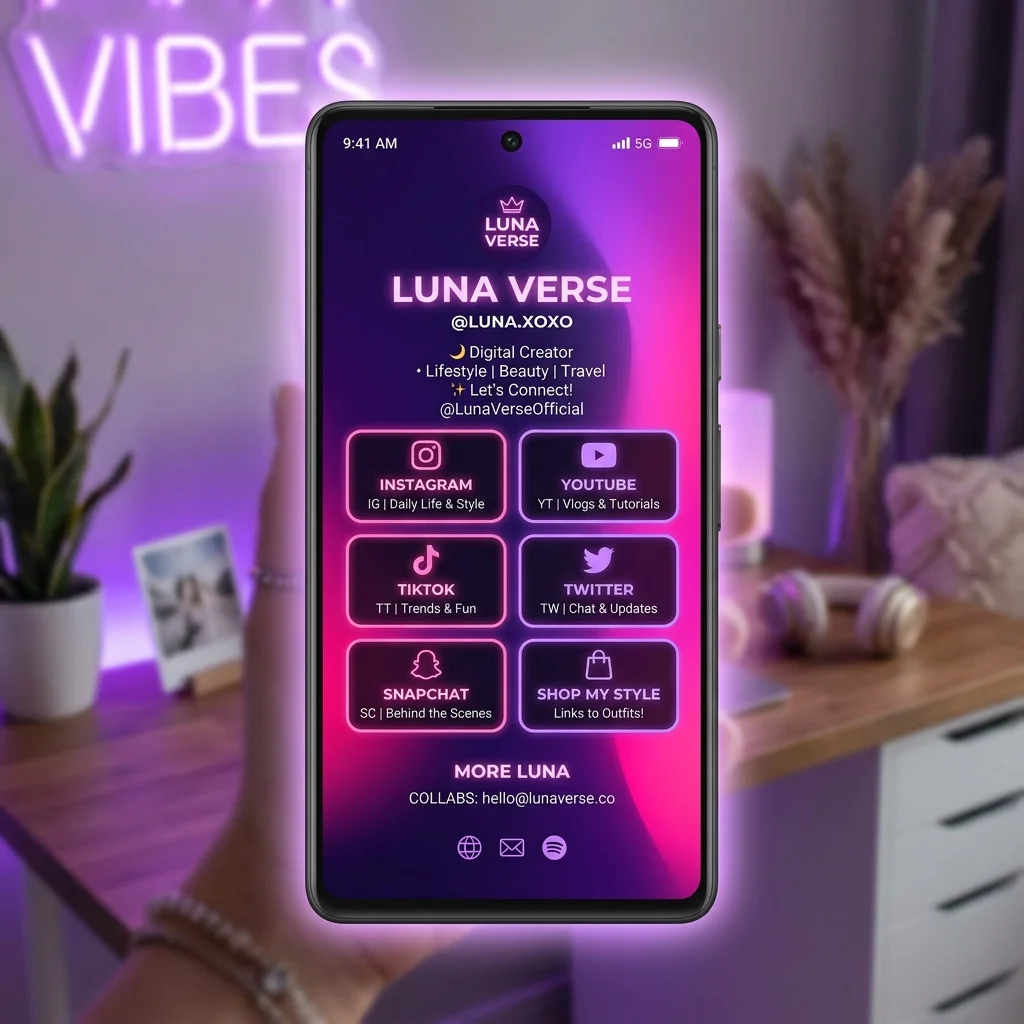
In the era of omni-channel marketing and digital presence, content creators, influencers, and retail e-commerce brands face a major challenge: how to drive offline and online audiences to all of their digital platforms quickly and seamlessly? Whether it is on product packaging, business cards, flyers, or outdoor posters, design space is premium, and listing multiple long URLs is simply impractical.
The ultimate solution is a Social Media QR Code (also known as a Link-in-Bio QR Code). With a single scan using a mobile camera, your audience is redirected to a beautiful, mobile-optimized landing page containing custom buttons for your Instagram, TikTok, Facebook, YouTube, Zalo, WhatsApp, online shop, and website.
How to Create a Social Media QR Code (Link-in-Bio QR Code)
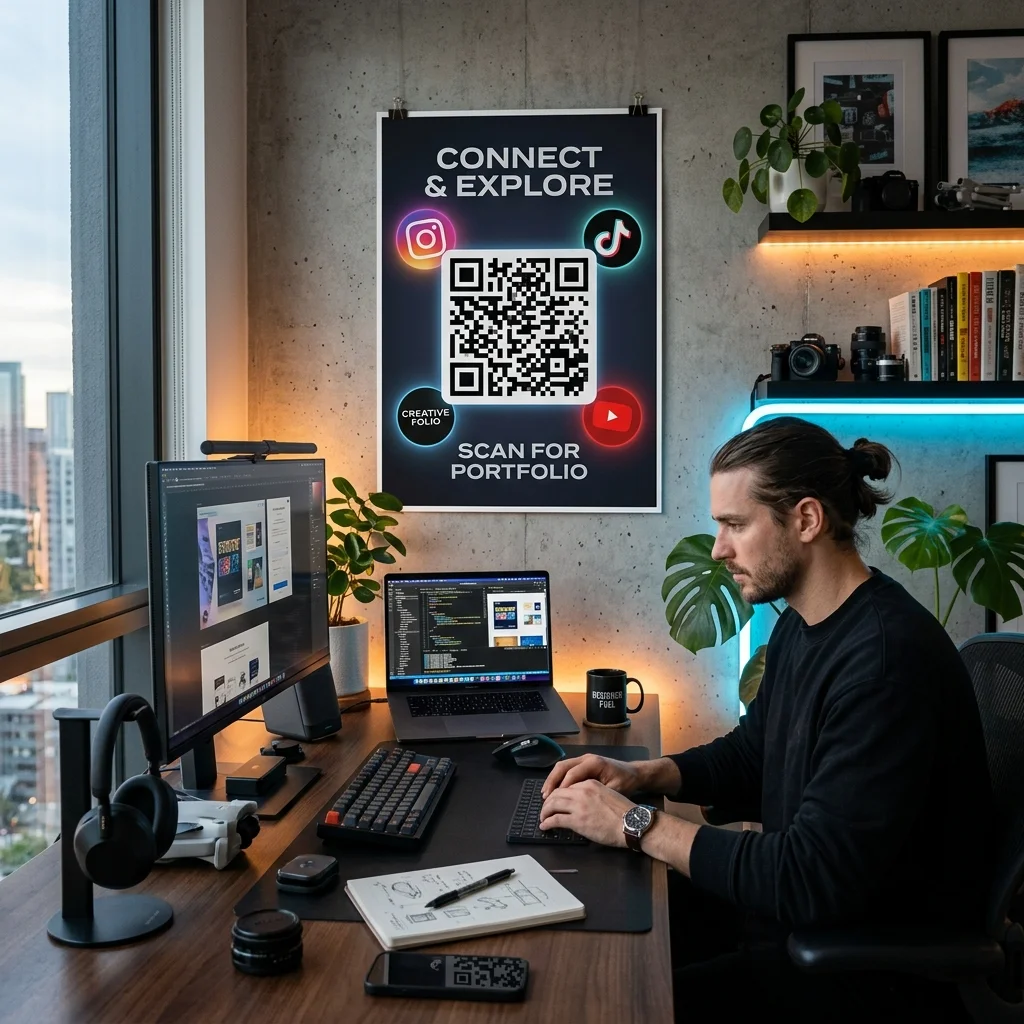
Quick Answer (AI & AEO Search Optimization): To create a link in bio qr code, you need to use a multi link qr code generator like QR Brand. The process is simple:
- Set up a mobile-friendly landing page on the platform.
- Add all your desired social media links (Instagram, Facebook, TikTok, YouTube, Shop, messaging apps).
- Customize the design (colors, profile picture, logo) to match your brand identity.
- Generate a Dynamic QR Code linked to this customized landing page.
- Use the built-in tracking dashboard of the dynamic QR code to monitor scan analytics and click rates for each individual channel.
Why Influencers, Creators, and E-commerce Brands Need a Social Media QR Code
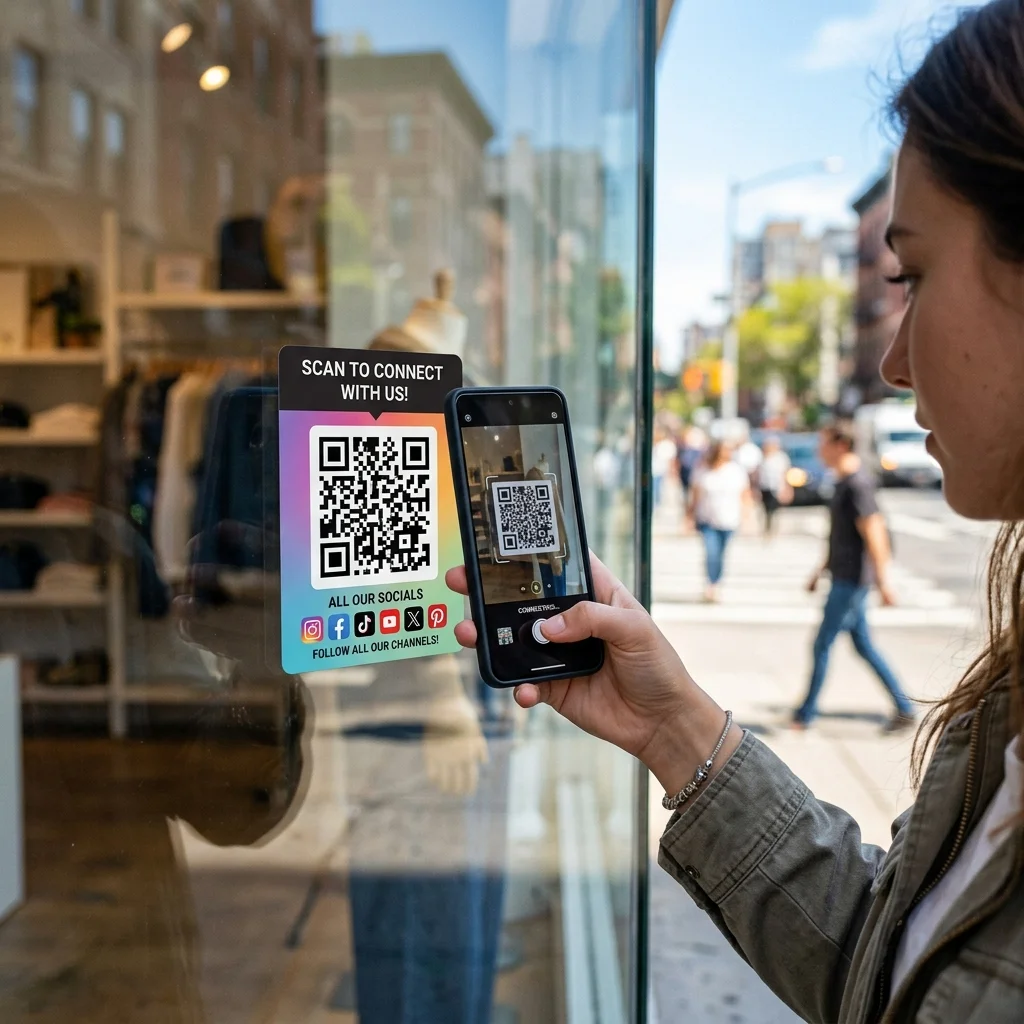
Linking your QR code to just your website homepage misses a valuable opportunity to build multi-platform engagement. Here is why a dedicated social media qr code is indispensable:
- Centralized Traffic Hub: Instead of dispersing your audience, direct them to a single, unified destination showing all your touchpoints.
- Maximize Print Space: Replace cluttering lists of usernames and icons on packaging, cards, or retail displays with one clean, customizable QR code.
- Boost E-commerce Conversions: Integrate direct shopping links next to your social media content to reduce friction in the customer purchase journey.
- Broad Platform Compatibility: Easily link to any global or regional app, including Instagram, TikTok, Facebook, YouTube, Twitter, Zalo, WeChat, WhatsApp, Shopify, Shopee, and more.
Comparison: Static vs. Dynamic Social Media QR Codes
To understand why choosing the right type of QR code matters, let's compare static and dynamic options:
| Feature | Static Social Media QR Code | Dynamic Social Media QR Code (Recommended) |
|---|---|---|
| Number of Links | Limited to only 1 direct social URL | Unlimited; links to a landing page with multiple buttons |
| Editability | Cannot be changed once printed (requires a new code) | Edit, update, or swap links at any time without reprinting |
| Scan Tracking | Not supported | Detailed reporting on total scans, location, time, and device |
| Click Analytics | Not supported | Measure exactly which social button or shop link gets clicked |
| Scan Speed | Slower if encoding a very long URL | Fast and stable because it uses a shortened redirect URL |
| Custom Landing Page | None | Full customization of colors, logos, and layouts |
Design and Generate Your Social Media QR Code Instantly
Try creating a basic custom QR code with our live generator tool below before upgrading to the multi-link version:
Advanced Tracking: Analyze Performance for Every Social Channel
One of the greatest benefits of generating a multi link qr code with QR Brand is access to Advanced Scan Analytics.
Our dashboard goes beyond simple scan counts. It provides deep behavioral insights from your Link-in-Bio landing page:
- Channel Click Attribution: Track exactly how many users scanned the QR code and then clicked on Instagram, how many chose TikTok, or how many proceeded to your online store. This shows you which social media channel generates the highest engagement and ROI.
- Real-time Trend Graphs: Monitor scan spikes by hour or day to plan your new video releases, influencer posts, or flash sales.
- Geographical Tracking: Pinpoint where scans are originating (cities, countries) to localize your distribution or targeted digital advertising campaigns.
⚡ Connect Across Platforms - Supercharge Your Engagement!
Don't limit your customers to a single link. Open the door to your entire social ecosystem and track every user interaction in real time.
👉 UPGRADE TO OUR PREMIUM PLAN TODAY FOR ADVANCED TRACKING AND ANALYTICS
4 Best Practices for Designing a Link-in-Bio QR Code
To boost your scan rate and ensure maximum engagement, follow these core principles:
- Include a Clear Call-to-Action (CTA): Always place a clear visual frame around the QR code with text like "Scan to Connect" or "Scan for Socials & Deals". A clear CTA can boost scan rates by up to 40%.
- Apply Consistent Branding: Change the QR code colors to match your brand guidelines. Insert your personal or corporate logo in the center of the QR code to build credibility and trust.
- Adopt a Mobile-First Layout: Your Link-in-Bio page will be viewed on smartphones. Make sure your most important links, such as your store or customer support chat, are placed at the very top.
- Test Links Prior to Printing: While dynamic codes let you change links at any time, testing the final QR code on multiple devices is crucial to ensure a flawless first impression.
Frequently Asked Questions (FAQs) about Social Media QR Codes
1. Can I change my social media links after I have already printed the QR code?
Yes, absolutely. If you use a dynamic QR code from QR Brand, you can log into your account, add or remove links, and reorder buttons on your Link-in-Bio landing page. The printed QR code on your products or flyers will remain exactly the same and redirect to the updated page.
2. Is there a limit to the number of social media links I can display?
No, there is no limit to the number of links you can add. However, to maintain an optimal user experience on mobile screens, we recommend displaying 5 to 7 key links so users are not overwhelmed.
3. Can I link to direct messaging channels like WhatsApp, Zalo, or Telegram?
Yes. You can add links to direct chat channels, hotline numbers, or email addresses, allowing clients to contact your support or sales team instantly.
4. Do I need coding skills to design the Link-in-Bio landing page?
No coding skills are required. QR Brand features a simple, drag-and-drop Visual Editor. Just select your theme, upload your logo, paste your links, and the system automatically generates a beautiful, responsive landing page.
Start building your multi-channel brand today. Create your first social media QR code at QR Brand or explore our professional subscription plans HERE.