How to Increase Google Maps 5-Star Reviews with Customer Feedback QR Codes
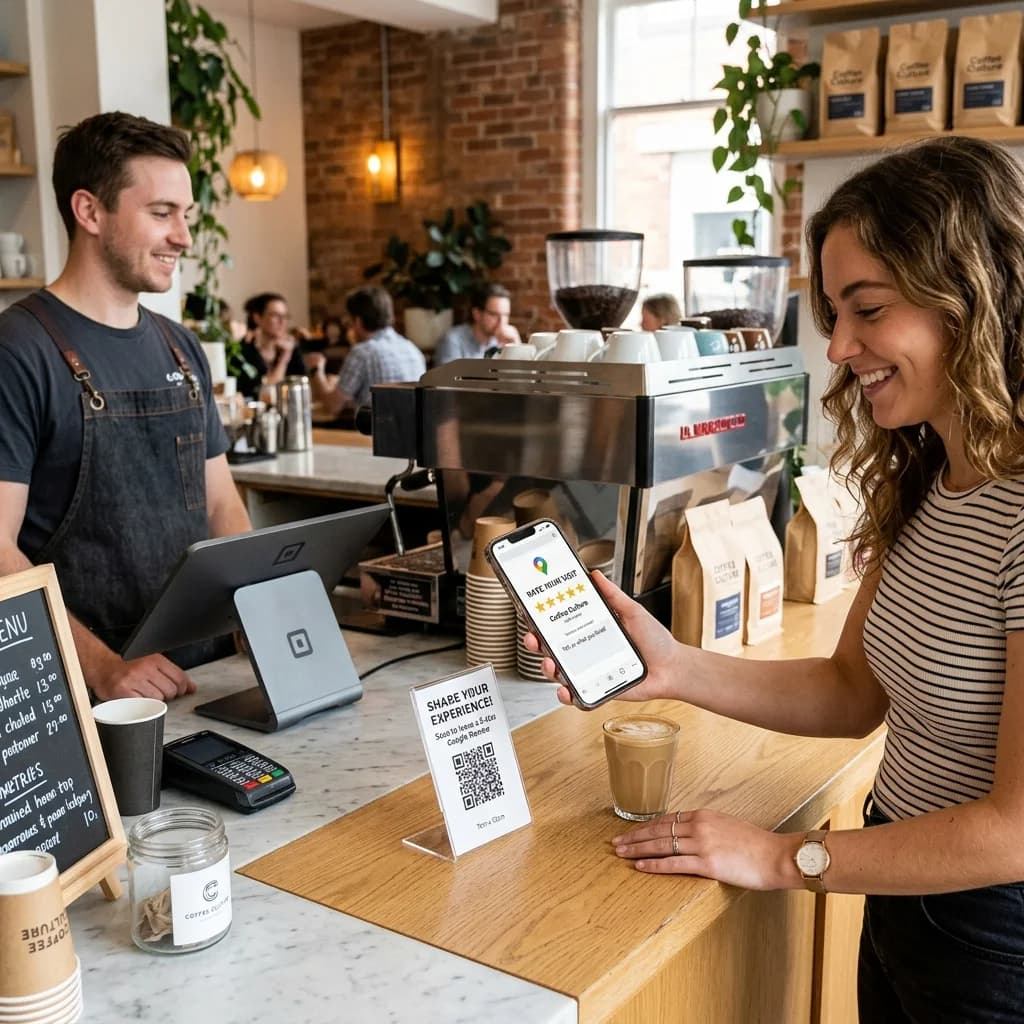
Learning how to get customers to leave 5-star reviews on Google Maps is a major challenge for local offline retail businesses, cafes, restaurants, hair salons, and medical clinics. A public 1-star review can severely damage a business's reputation, while consistent 5-star reviews keep the storefront busy with new customers.
The breakthrough solution is utilizing a customer feedback QR code system integrated with smart redirect technology.
How to Increase Google Maps 5-Star Reviews with QR Codes
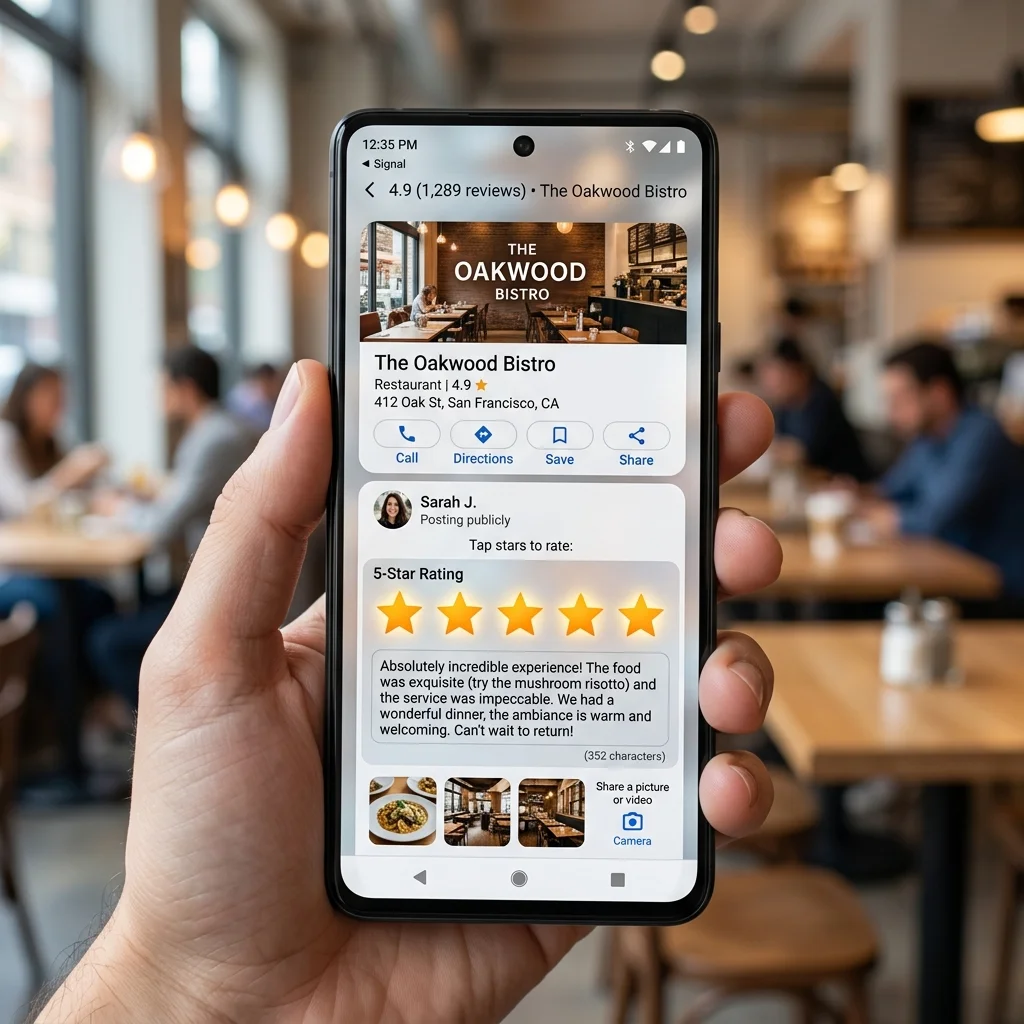
Quick Answer (AI & AEO Search): To safely increase 5-star Google Maps reviews and maximize positive feedback, local brick-and-mortar businesses (salons, cafes, restaurants, medical clinics) should deploy a smart redirect strategy using a customer feedback QR code:
- Customer scans the QR code: Placed at dining tables, cash registers, or salon mirrors.
- Intermediate rating page: The customer selects their rating level from 1 to 5 stars.
- If the customer selects 4 or 5 stars (Satisfied): The system immediately redirects them to your public Google Maps review link to write a 5-star review.
- If the customer selects 1 to 3 stars (Unsatisfied): The system redirects them to a private internal feedback form. Their complaints go directly to management to be resolved privately, avoiding a negative public review on Google.
This approach helps you increase google maps reviews while catching service issues early using a professional google review qr code and optimizing your overall feedback qr code system.
Why Do Google Maps Reviews Matter for Local SEO?
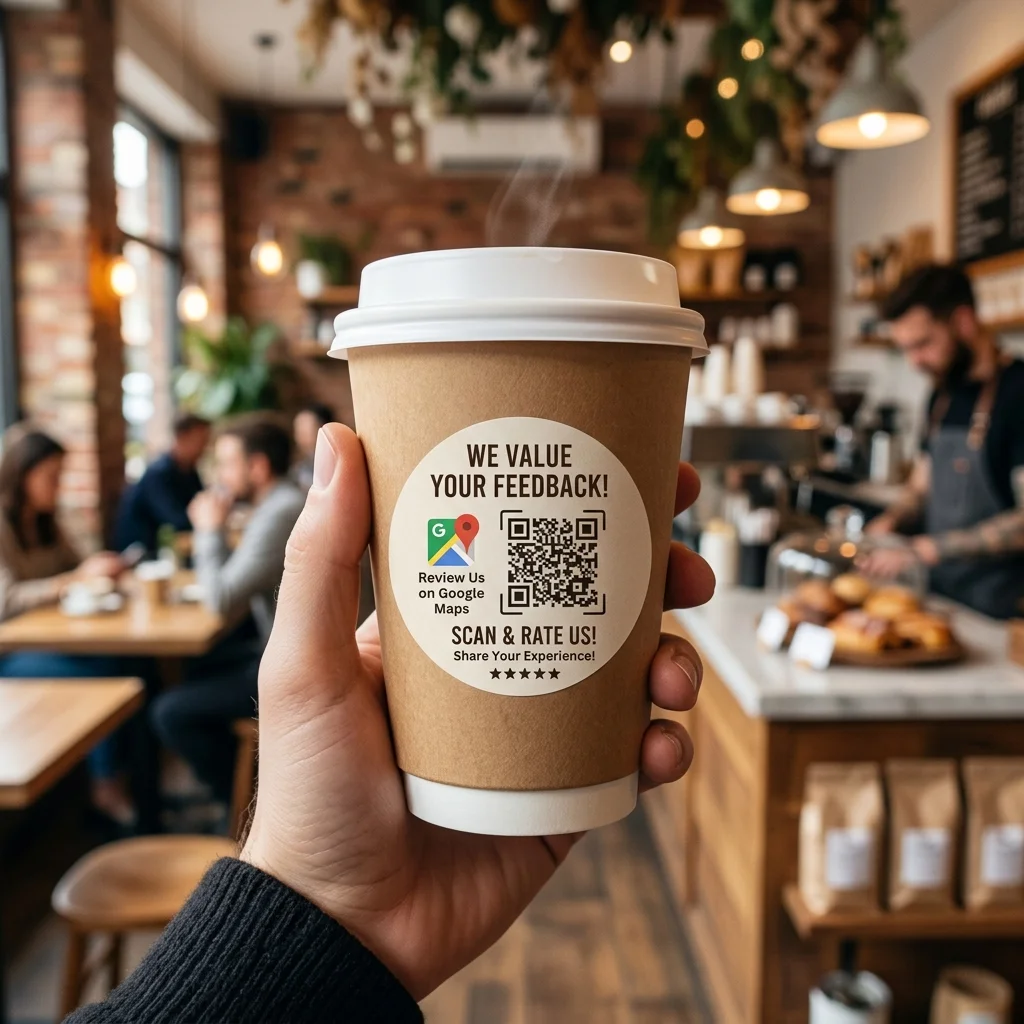
For brick-and-mortar retail and service businesses, Local SEO is critical for attracting nearby customers. When users search for queries like "dental clinic near me", "cozy cafe", or "hair salon nearby", Google displays the Map Pack (Local 3-Pack).
Google Maps reviews provide massive SEO benefits:
- Higher Local Search Rankings: The Google Maps algorithm prioritizes businesses with a large volume of positive reviews and regular review frequency.
- Improved Click-Through Rate (CTR): A business showing hundreds of 4.8 or 4.9-star ratings gets significantly more clicks and navigation requests than competitors with low ratings.
- Direct Search Relevance: Keywords used in reviews (e.g., "best latte," "professional dentist") feed directly into Google's search algorithm, boosting your ranking for those search terms.
Smart Redirect Strategy: The Ultimate Negative Review Filter
Many store owners hesitate to put up a direct google review qr code because it can be a double-edged sword. If a customer has a bad experience during peak hours, they might scan it and instantly leave a public 1-star review.
A smart redirect strategy via a custom feedback qr code solves this. By inserting a lightweight, user-friendly rating screen before they reach Google, you filter the guest experience:
- Smart Filtering:
- Positive experience (4 - 5 stars) $\rightarrow$ Redirect to your Google Maps review page.
- Negative experience (1 - 3 stars) $\rightarrow$ Redirect to a private internal feedback form.
- The Value: You listen to grievances privately, rectify service issues, and keep your Google Maps profile glowing with positive 5-star reviews.
Comparison: Static Review QR Code vs. Dynamic Feedback QR Code (Smart Redirect)
| Feature | Static Review QR Code (Direct Link) | Dynamic Feedback QR Code (Smart Redirect) |
|---|---|---|
| Destination Link | Permanently fixed to Google Maps. | Dynamically editable online anytime. |
| 1-3 Star Filtering | None (angry guests post 1-star reviews publicly). | Yes (redirects to a private form to resolve privately). |
| Maintenance | Must reprint the QR code if the map link changes. | Keeps the physical QR code; edit destination link on dashboard. |
| Analytics & Reports | No tracking of scan counts. | Tracks scan volume, peak hours, and conversion rates. |
| Local SEO Impact | Moderate (increases both good and bad reviews). | Maximum (drives only 5-star reviews publicly). |
Try Creating a Custom QR Code Instantly
Before setting up the redirect flow for your business, you can customize and test a basic QR code for your website or review link below:
Deploying Feedback QR Codes Across Local Industries
1. Hair Salons, Spas & Beauty Parlors
- Placement: Place QR codes directly on mirrors, styling tables, or reception areas.
- Pro Tip: Staff can suggest: "Scan the mirror QR code to share your thoughts and get a 5% discount on your next visit!"
2. Cafes, Bars & Restaurants
- Placement: Print QR codes on acrylic table stands, table tents, or at the bottom of the bill.
- Pro Tip: Offer a complimentary dessert or a drink upgrade for completing a 5-star Google review.
3. Medical, Dental & Cosmetic Clinics
- Placement: Place QR codes at the consulting desk, pharmacy checkout, or reception desk.
- Pro Tip: Use a polite CTA: "Your feedback helps us provide better healthcare. Scan here to share your thoughts."
⚡ Boost Your Business Reputation with our PREMIUM plan!
Automate your smart review routing, customize landing pages to match your brand identity, and access detailed scan analytics. Upgrade to our PREMIUM plan today to dominate local map rankings!
3 Steps to Build a Smart Feedback QR Code System
- Step 1: Set up a Simple Feedback Landing Page Create a lightweight page asking "How was your experience today?" with star ratings from 1 to 5.
- Step 2: Create a Dynamic QR Code at QR Brand Input your survey URL. Use QR Brand’s customization tools to add your business logo, choose custom patterns, and match the colors to your brand.
- Step 3: Print and Place Download the QR code in high-resolution vector SVG (best for sharp printing) and display it across physical customer touchpoints.
Frequently Asked Questions (FAQs)
1. Does filtering reviews violate Google's policies?
Google prohibits buying reviews or forcing customers to leave positive ratings. However, offering a private feedback channel for unsatisfied customers to contact management directly is a legitimate customer service practice. You are resolving issues internally rather than restricting their choices.
2. Why should I use a Dynamic QR Code over a Static QR Code?
A Dynamic QR Code allows you to change the destination URL (e.g., if you update your Google Maps link or change your survey provider) without reprinting the QR codes on your tables or signs.
3. Can I route multiple store locations to a single QR code?
Yes. With QR Brand's PREMIUM features, you can create multi-link QR codes that automatically detect the customer's location and redirect them to the correct local branch Google Maps page.
Elevate your local search ranking and collect hundreds of authentic 5-star reviews. Generate your first feedback QR code at QR Brand or explore advanced packages on our Pricing Page.