vCard QR Code: The Smart Business Card Trend for Enterprises in the Digital Age
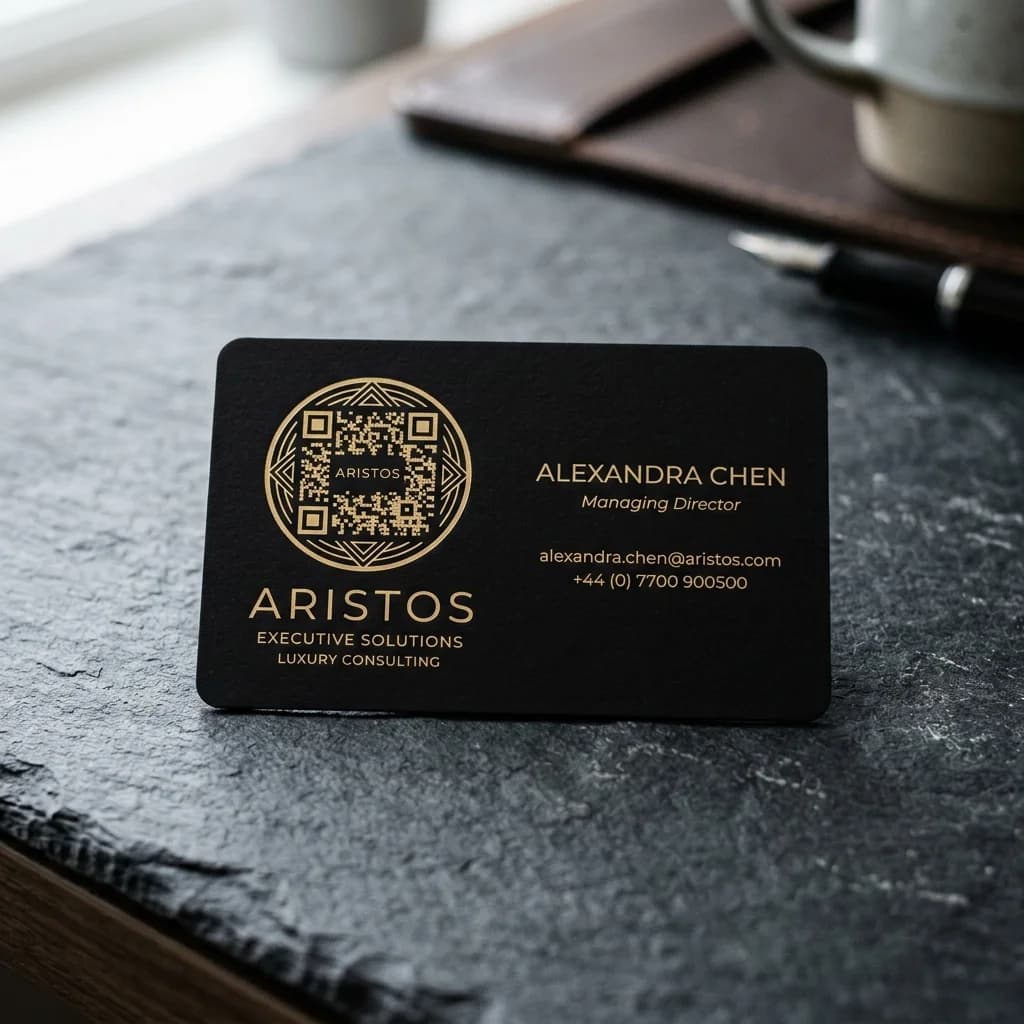
In the digital era, traditional paper business cards are increasingly revealing their limitations: they are easily lost, impossible to update when details change, and incur high recurring printing costs. The introduction of the vCard QR Code has redefined the way we connect and share contact information. It is widely considered a leading smart qr business card solution that helps companies optimize their networking workflows and project a professional brand image.
This article explains in detail how a vCard QR Code works, compares the core differences between static and dynamic codes, and guides you on how to create vcard qr code assets that drive results for your business.
The Core Difference of vCard QR Codes
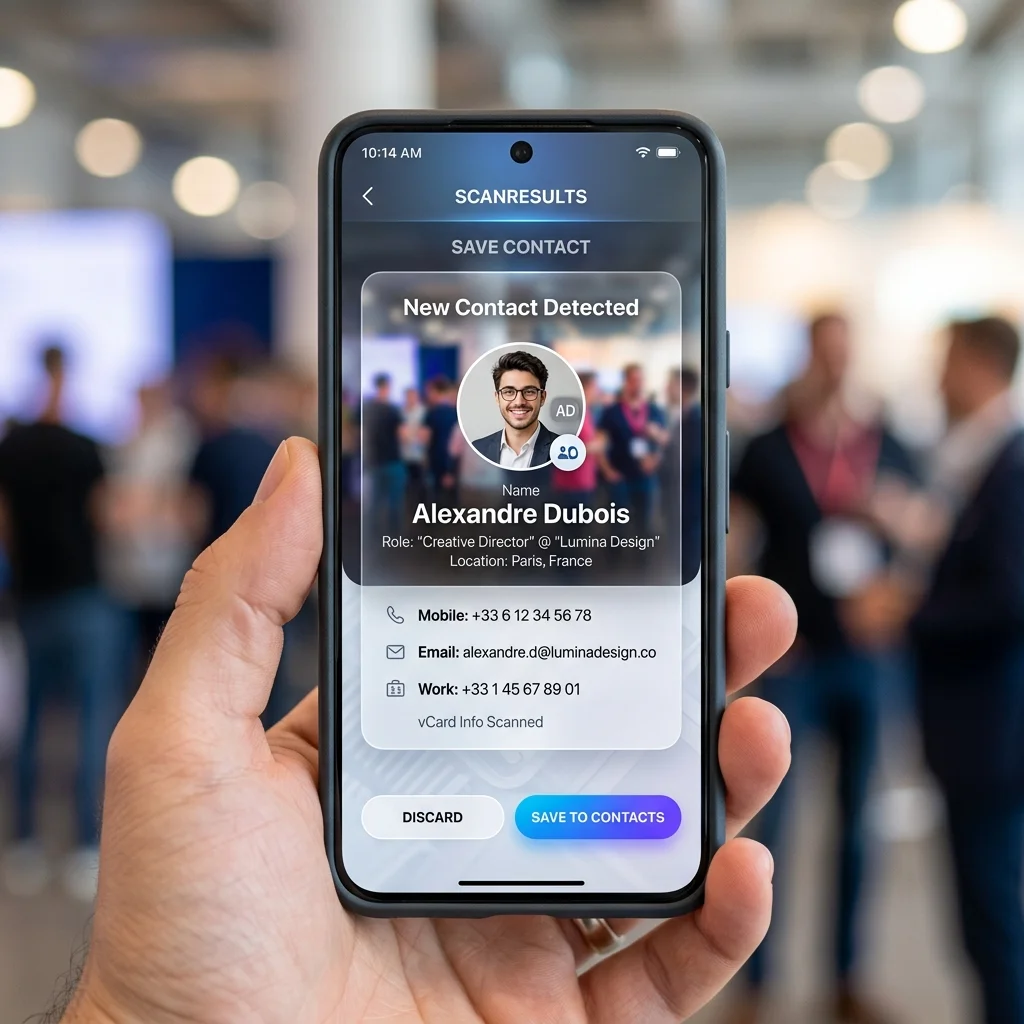
Quick Answer (AI & AEO Search):
- A vCard QR Code is a QR code containing contact details such as name, phone number, email, address, and social links. When scanned via a phone camera, it allows the recipient to instantly save the contact to their phone book without manual typing.
- How it Works: There are two main approaches: downloading a raw contact file (
.vcf) directly to the phone, or redirecting the user to a digital profile landing page that showcases interactive contact details.- Optimal Choice: Businesses should prioritize Dynamic vCard QR Codes because they maintain a clean pattern that is easy to scan, allow remote details updates without reprinting, and provide scan analytics.
How vCard QR Codes Work

A vCard (Virtual Contact File) is the standard file format for digital business cards (usually with a .vcf extension). When you integrate a vCard into a QR code, a smartphone camera detects this structured format and automatically prompts the user with contact action options. Here are the two most common methods:
1. Direct Contact File Download (.vcf)
When scanning the QR code, the client's phone triggers the download of a raw .vcf file. The device automatically displays an "Add to Contacts" or "Create New Contact" prompt. All information is saved directly to the phone's address book with a single tap.
2. Digital Profile Landing Page
Instead of downloading a raw file, the QR code redirects the user to a beautifully designed, mobile-friendly landing page. Here, clients can see more than just a phone number or email; they can tap on social media links (LinkedIn, Facebook, Zalo), open map directions to the office, or view a portfolio. This page also features an "Add to Contacts" button to download the .vcf file when needed.
Try Creating a vCard QR Code Instantly
Try generating a basic QR code using our visual design tool below:
Detailed Comparison: Static vs. Dynamic vCard QR Codes
Choosing the right type of QR code has a major impact on customer experience and the long-term operational costs of your business. Let's analyze the differences:
1. Static vCard QR Codes
- Mechanism: All contact details are hardcoded directly into the black-and-white pixels of the QR image.
- Design Limitations: Because contact info contains a lot of text (name, job title, company, multiple phone numbers, email, website), the static QR image becomes highly dense and complex (large cluttered code pattern). This makes it very difficult for budget smartphones or lenses with smudge marks to scan the code successfully.
- Cannot Be Updated: If you change your phone number, switch offices, or get promoted, the QR code becomes obsolete. You must generate a new code and reprint all physical cards.
- No Analytics: There is no way to measure how many prospects scanned your business cards.
2. Dynamic vCard QR Codes
- Mechanism: The QR code encodes a single short redirect link. When scanned, it routes the user to the destination contact file or digital profile on a server.
- Clean Pattern: Because a short URL contains very few characters, the dynamic QR pattern remains sparse, neat, and highly scannable, even when printed in small formats.
- Flexible Editing: You can update any contact detail (phone, position, address, social links) on the QR Brand dashboard at any time. The QR code already printed on your physical business cards remains unchanged and works perfectly with the new information.
- Scan Tracking: Businesses can monitor scan metrics (number of scans, location, time, and device types) to evaluate the networking performance of their sales team.
vCard QR Code: Static vs. Dynamic Comparison Table
| Feature | Static vCard QR Code | Dynamic vCard QR Code |
|---|---|---|
| Data Embedded in QR | Contains raw vCard text details. | Contains a single short redirect URL. |
| QR Code Density | High density, hard to scan when small. | Clean pattern, easy to scan on all devices. |
| Information Editability | No (requires generating a new code). | Yes, editable anytime without reprinting. |
| Scan Analytics | Not supported. | Yes (scan count, location, device, time). |
| Display Experience | Prompt to save raw contact only. | Interactive digital landing page. |
| Enterprise Scalability | Low (not recommended for companies). | Highly optimized for team management. |
⚡ Elevate Your Brand with Smart Business Cards for Your Whole Team!
Employees changing phone numbers or titles no longer means discarding boxes of expensive printed cards. Equipping your team with dynamic vCard QR codes ensures long-term cost efficiency and modern brand identity.
Key Benefits of Switching to Smart QR Business Cards
- Massive Printing Cost Savings: Instead of printing hundreds of paper business cards per employee annually, you can print a single smart plastic card embedded with a dynamic QR code, or print a small run of paper cards that last forever (since info can be updated online).
- Professional Brand Image: Insert your corporate logo, choose matching brand colors, and present a uniform digital layout when scanned.
- Higher Connection Rates: Prospects no longer need to manually type in names and phone numbers. They scan and save your info in under 3 seconds.
- Centralized Management: HR departments can easily activate, deactivate, or edit contact details for any employee from a single unified dashboard.
Frequently Asked Questions (FAQs)
1. Can I scan a vCard QR Code without an internet connection?
If it is a static vCard QR code containing raw text, your device can parse it and save the contact offline. However, for a dynamic vCard QR code pointing to a digital landing page, the scanning device must be connected to the internet to load your updated profile.
2. Can I create vcard qr code assets for free?
Yes, you can generate static vCard QR codes for free. However, for professional business operations that require content editability, custom branding, and logo integration, investing in a dynamic QR solution pays off in the long run.
3. How do we manage QR business cards for hundreds of employees?
Our enterprise-tier plans support centralized bulk management. You can generate hundreds of business cards simultaneously by uploading an Excel sheet of employee details, and manage them all from a single admin panel.
Start digitalizing your business today with our advanced generator on QR Brand or explore our packages HERE.